page 29 of 49
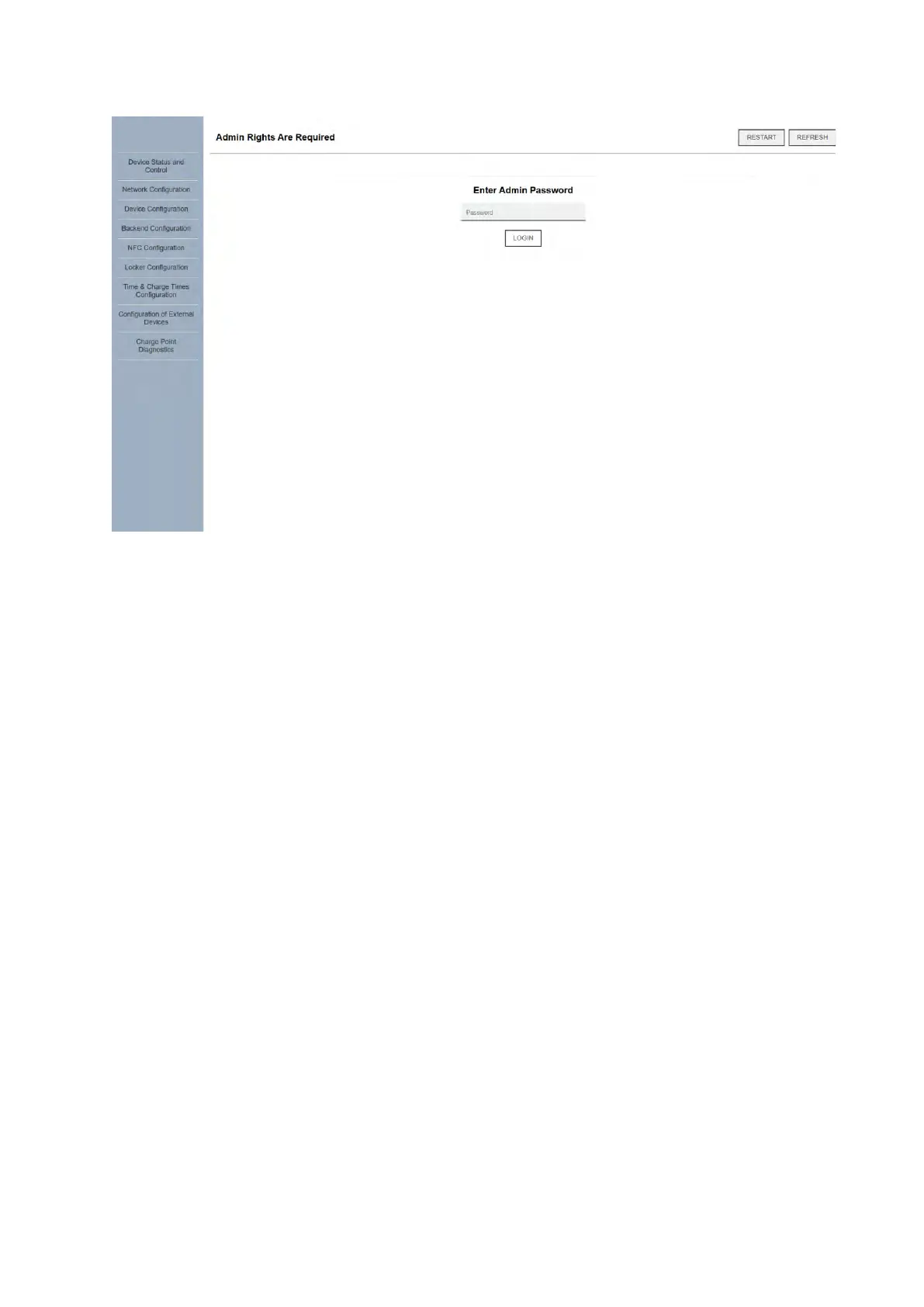
All settings after the "Network Configuration" tab in the web UI require an administrator
password to be accessed and set. The "admin" password can be found on the factory NFC
card provided with the charger. The devices comes preconfigured with default settings and
parameters, some of which may have to be modified based on user requirements and
installation specifics.
Note: it is mandatory to verify that the charger is correctly configured for the available
electrical installation, i.e., for single- or three-phase operation and whether a CT clamp or
MID meter is installed. These settings are found in the "Configuration of external devices"
menu and are further explained in the following pages. Incorrectly configured external
devices and/or number of phases will result in a fault state and/or diminished charging
capacity!



 To Next Page