page 30 of 49
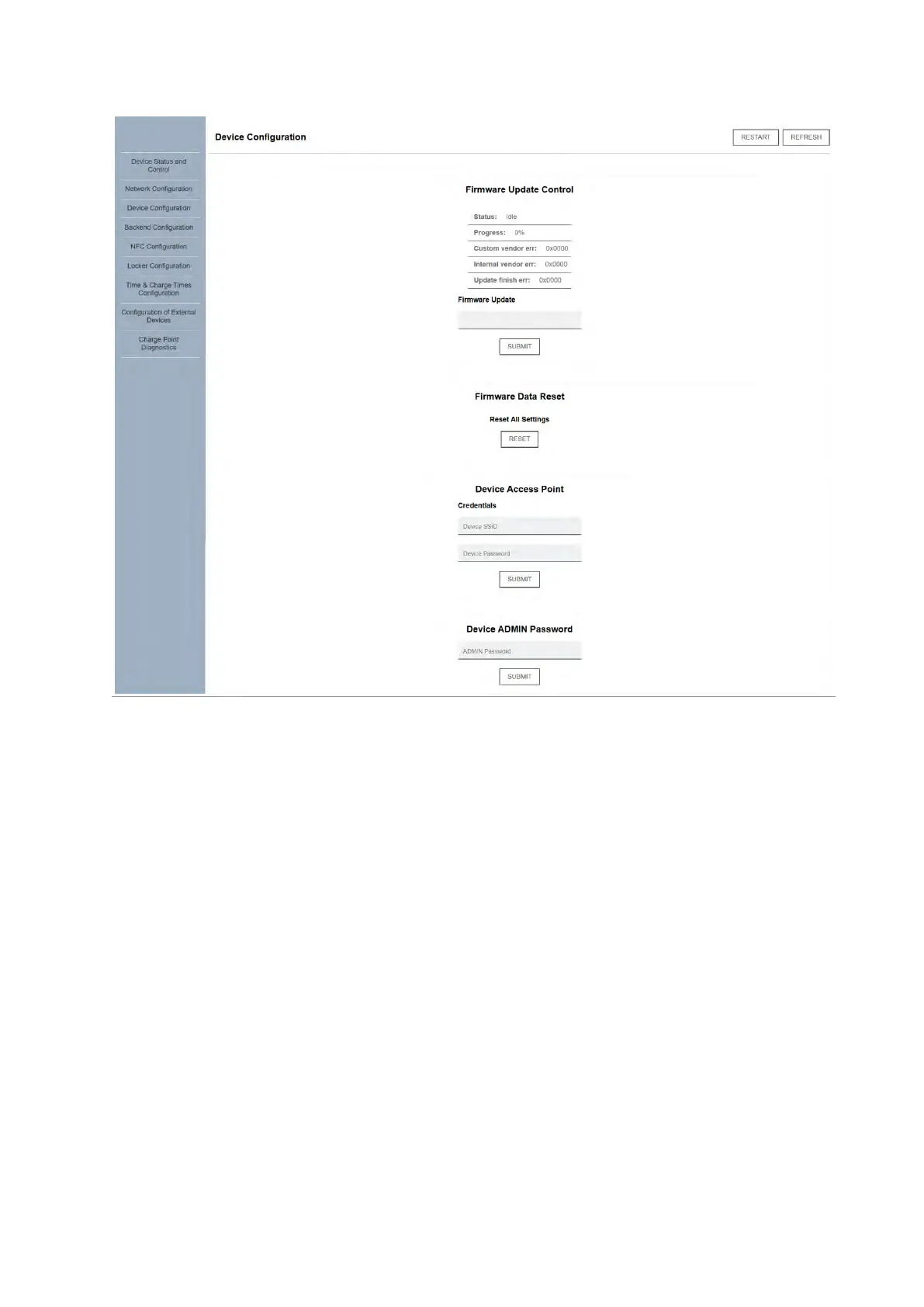
The “Update” section allows the configurator to set a firmware update via an Internet address
pointing to a firmware update package. The address is set in the address text box and “Submit”
is clicked. The update details are monitored above. Note that the charger will enter one or more
several reset states while the update is being executed and the web client may become
unresponsive at these times. Updates are usually done remotely via the OCPP server but may
need to be executed locally for troubleshooting and diagnostics.
Hint: to verify that the firmware update URL is valid, it can be copied into an HTML
browser and accessed, whereby a download should automatically begin of a “.bin” file type. If
either the download does not begin or the downloaded file is not consistent with a firmware
upgrade file, the user should verify that the address is valid and correct.
Change the Scarab's
network credentials
(web client access)
You can change the
“admin” password
form here
Firmware update:
manually enter an
update address and
perform an upgrade
(see below)
Return the charger’s
firmware to factory
mode



 To Next Page