page 31 of 49
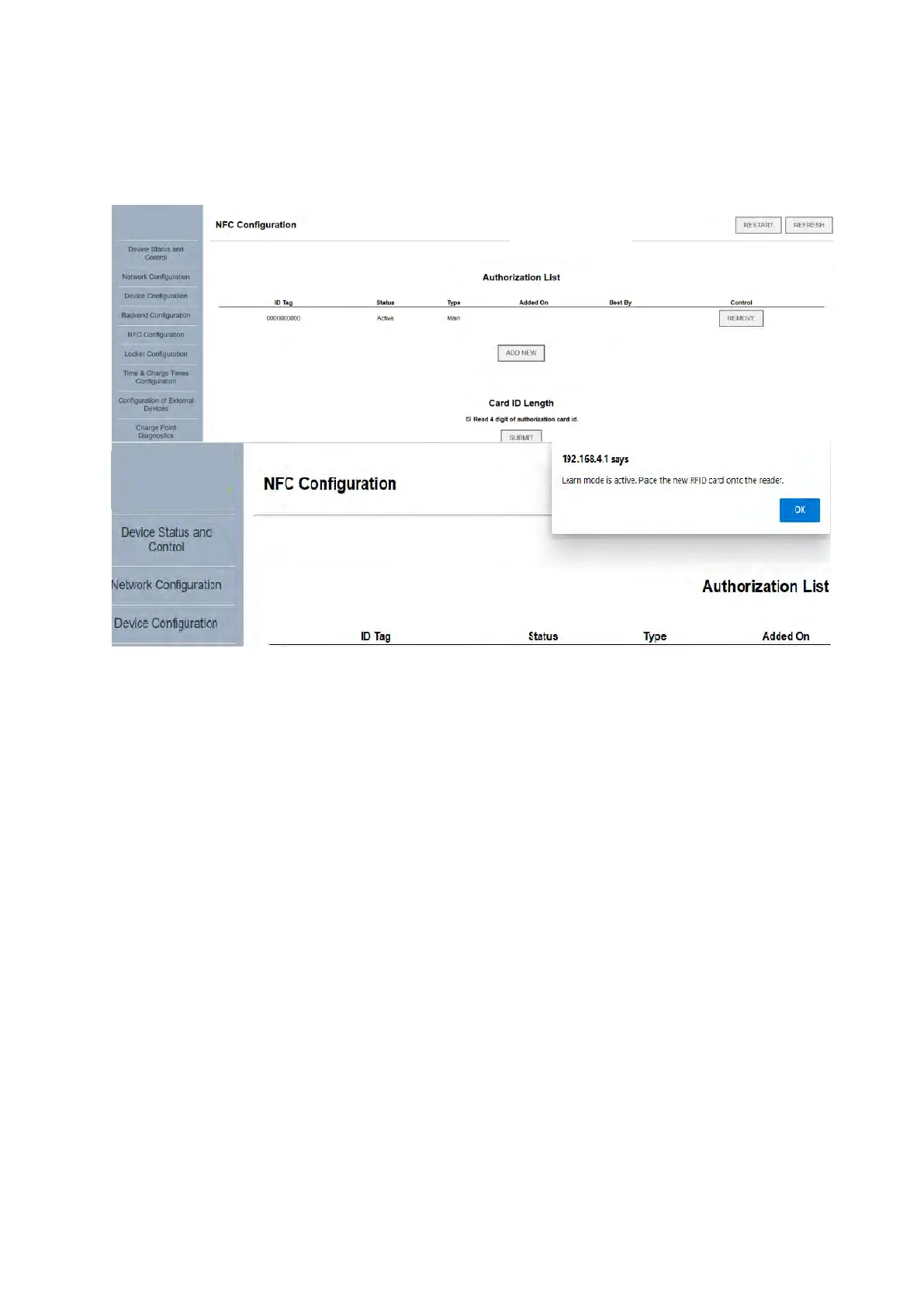
To add or remove NFC access cards, open the “NFC Configuration” tab. Here, the charger can
be set into a “Learn” mode via the “ADD NEW” button, whereby tapping an access card on the
reader section of the device will cause it to be entered and memorized. Listed cards can be
deleted from the "REMOVE" button.



 To Next Page