AG-Series
13
4.4. Getting Started
The machine is equipped with a touch-screen human machine interface. It is our goal to provide a user friendly
interface, let us know your operation experience after you have familiar yourself with the machine. The following
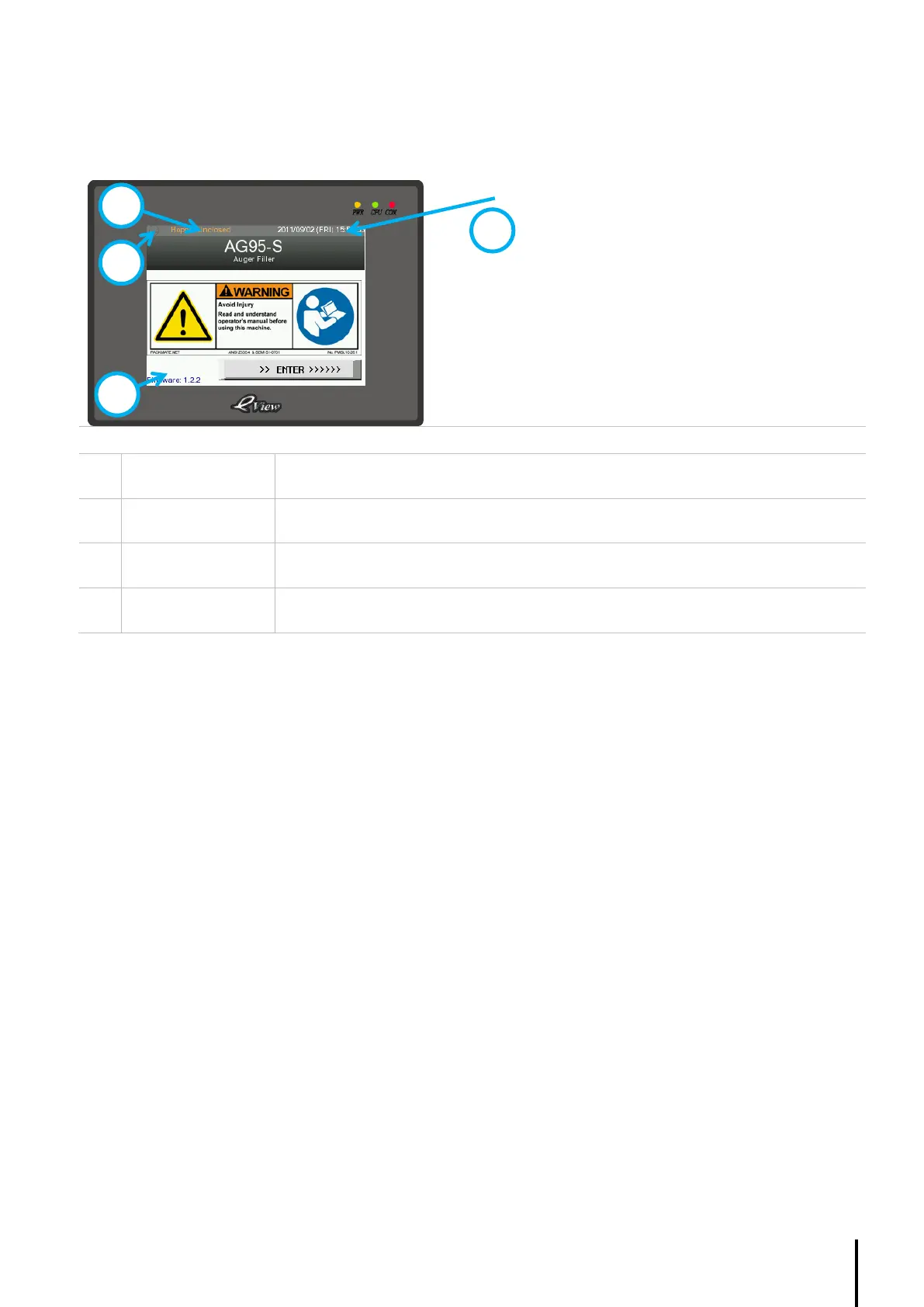
is the start-up screen.
Press “ENTER” to continue
Displays the current time, date and week.
Records the touch-screen firmware version.
Displays the cycle progress of a filling cycle. A complete turn indicates one full cycle.
Shows alert message, such as ‘hopper level low’, ‘servo motor alarm’ and etc.



 To Next Page