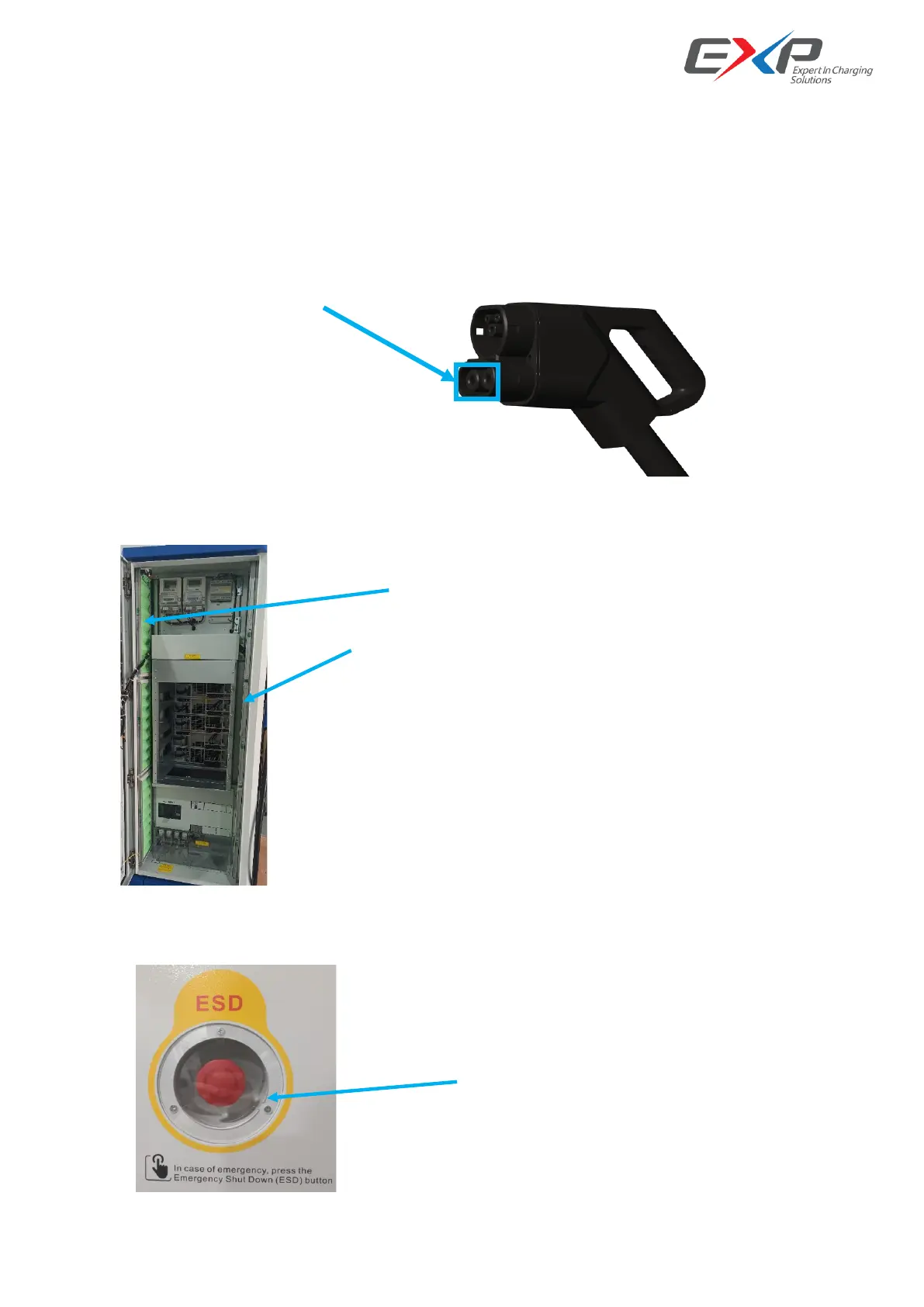
4.2.4 Charging plug
1) Check whether the charging plug is cracked or damaged. If so, please contact the manufacturer;
2) Check whether the DC + and DC - terminals of the charging plug have obvious burning marks. If so, please
contact the manufacturer for treatment;
3) Use a brush to remove the dust on the surface of DC + and DC - terminals;
4) Any water or frog in the terminals must forbidden using and need to dry.
4.2.5 Dusty filter
1) Check whether there is dust in the filter on both left and right sides of the cabinet inner;
2) Take off the filter and use the air blower to clean up the filter and recovery again.
4.2.6 ESD
Check the emergency stop cover plate. If the cover plate is damaged, please contact the manufacturer for
replacement.



 To Next Page