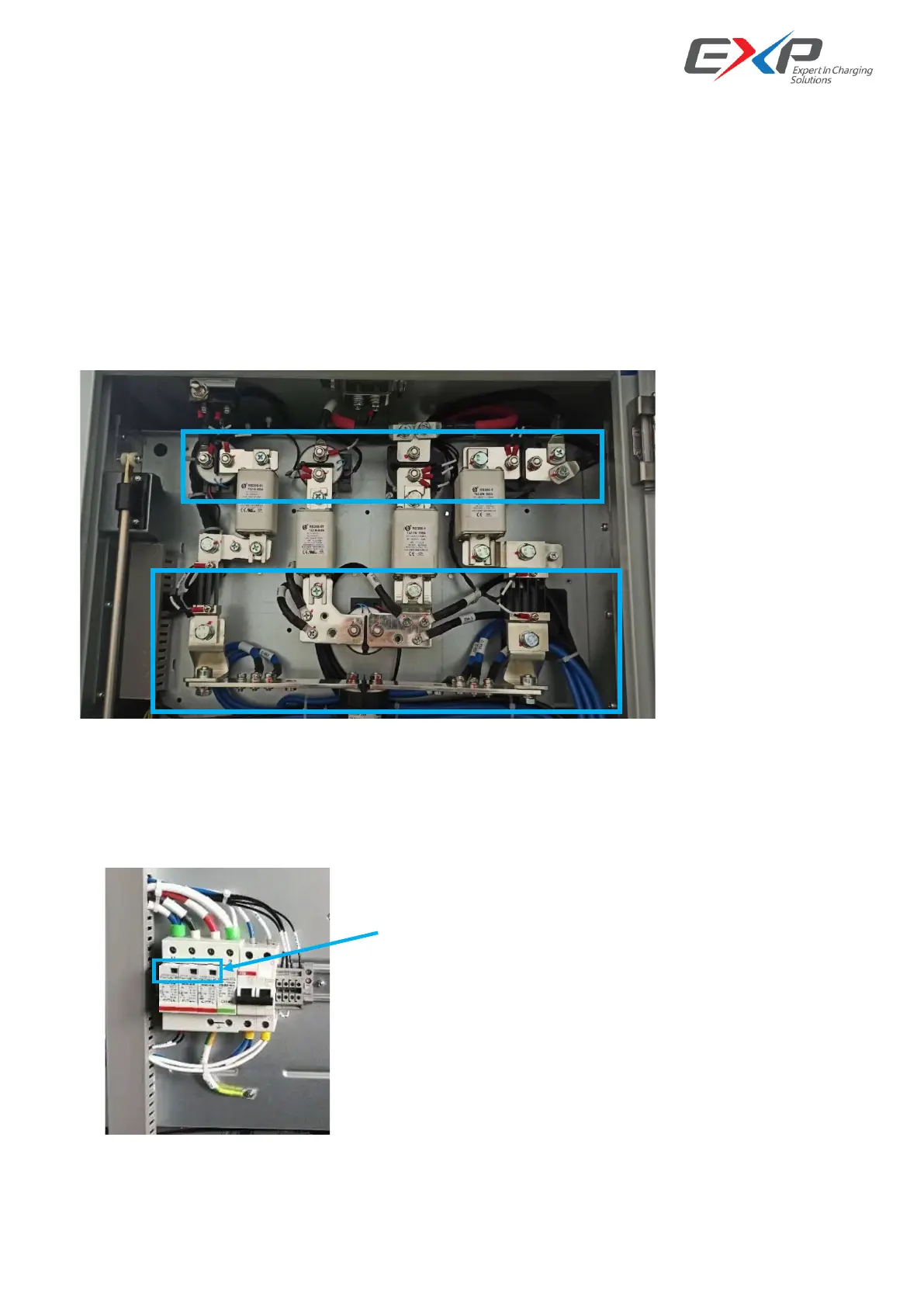
4.2.2 Devices and connection points
1) Check the connection points between the main circuit components (circuit breaker, AC contactor, DC
contactor, fuse) and copper bar or cable, the connection points between copper bar and copper bar, and the
connector of power module for burns or serious discoloration. If yes, please check the torque and connection
according to point 2) and replace the damaged cable;
2) Check whether the screw fixing torque mark is normal. If there is any deviation, please re torque with a
torque wrench and mark with a marker.
4.2.3 SPD
Check the status window of SPD. If the window color changes from green to red, it indicates that SPD has been
damaged. Need to contact the manufacturer for replacement



 To Next Page