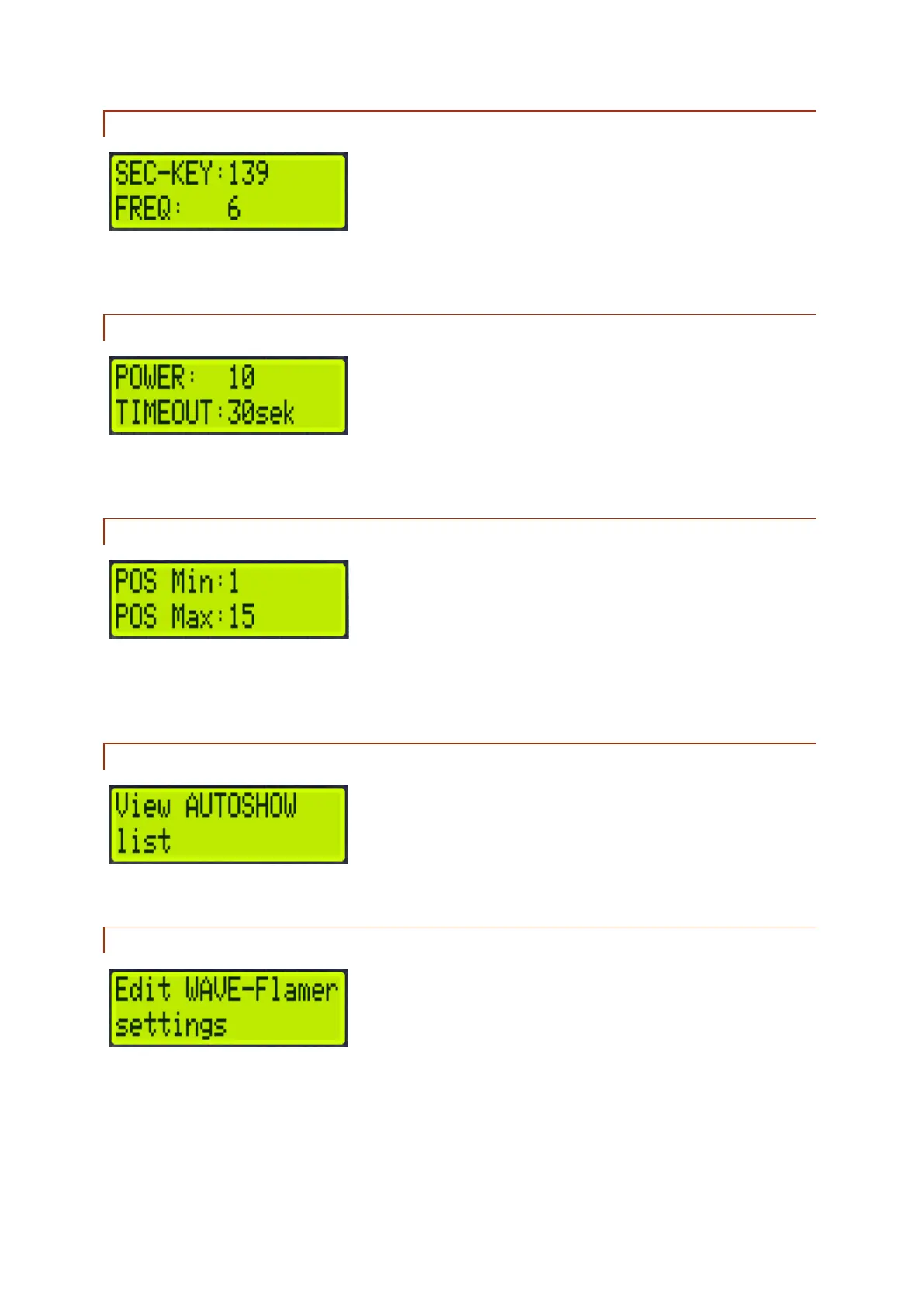
4.1.6 SEC-KEY AND FREQUENCY
Allows you to see the set Secure-Key (line 1) and the set frequency of the internal radio module (line
2).
4.1.7 POWER AND TIMEOUT
Here you can see the set radio power of the radio module (line 1) and the time after which the show
will stop if no transmitter signal is received (line 2).
4.1.8 POSITION MIN/MAX
Shows the minimum and maximum positions the projector will drive to. In addition to this software
solution, mechanical angle blockers are recommended. If such are used, the software must be set to
the blocked angles too however.
4.1.9 VIEW AUTOSHOW LIST
Shows all ignition lines used by the device, if an AutoShow has been created.
4.1.10 EDIT WAVE FLAMER SETTINGS
Here you can edit different settings of the projector. See the corresponding sub chapter.



 To Next Page