The invertion of the device won't be transmitted per software,
and must be done manually in the devices menu itself.
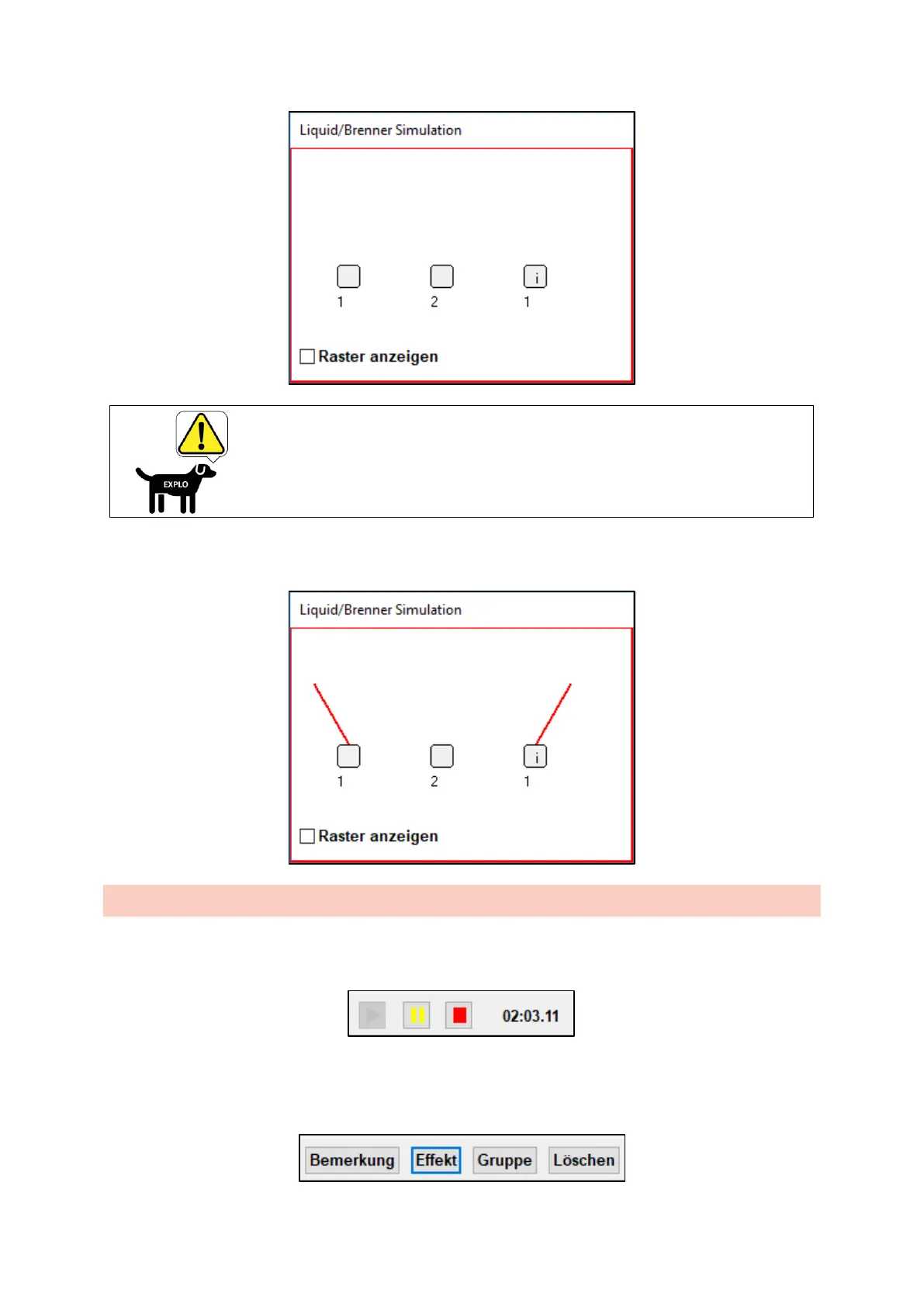
If the show is started in the ShowCreator, the flame effects will be displayed synchronized in the
simulation window.
10.3 SETTING IGNITION CUES
To set ignition cues synchronized to the music, you can control the music file with the buttons "Start",
"Pause" and "Stop" (see picture below). Next to it, the current time will be shown.
By clicking the command prompt Effect (see below) an ignition cue can be placed perfectly
synchronized while the music is playing. It is empty for now and can be filled with an effect later. It is
recommended to first set all ignition cues, and only assign the effects at the end.



 To Next Page