EasyManua.ls Logo

Explo X2 Wave Flamer - DMX 512 Mode Preparation; DMX 512 Channel Functions

Default Icon
62 pages
Print Icon
To Next Page IconTo Next Page
To Previous Page IconTo Previous Page
Loading...
42
11.1 PREPARING THE DMX-512-MODE
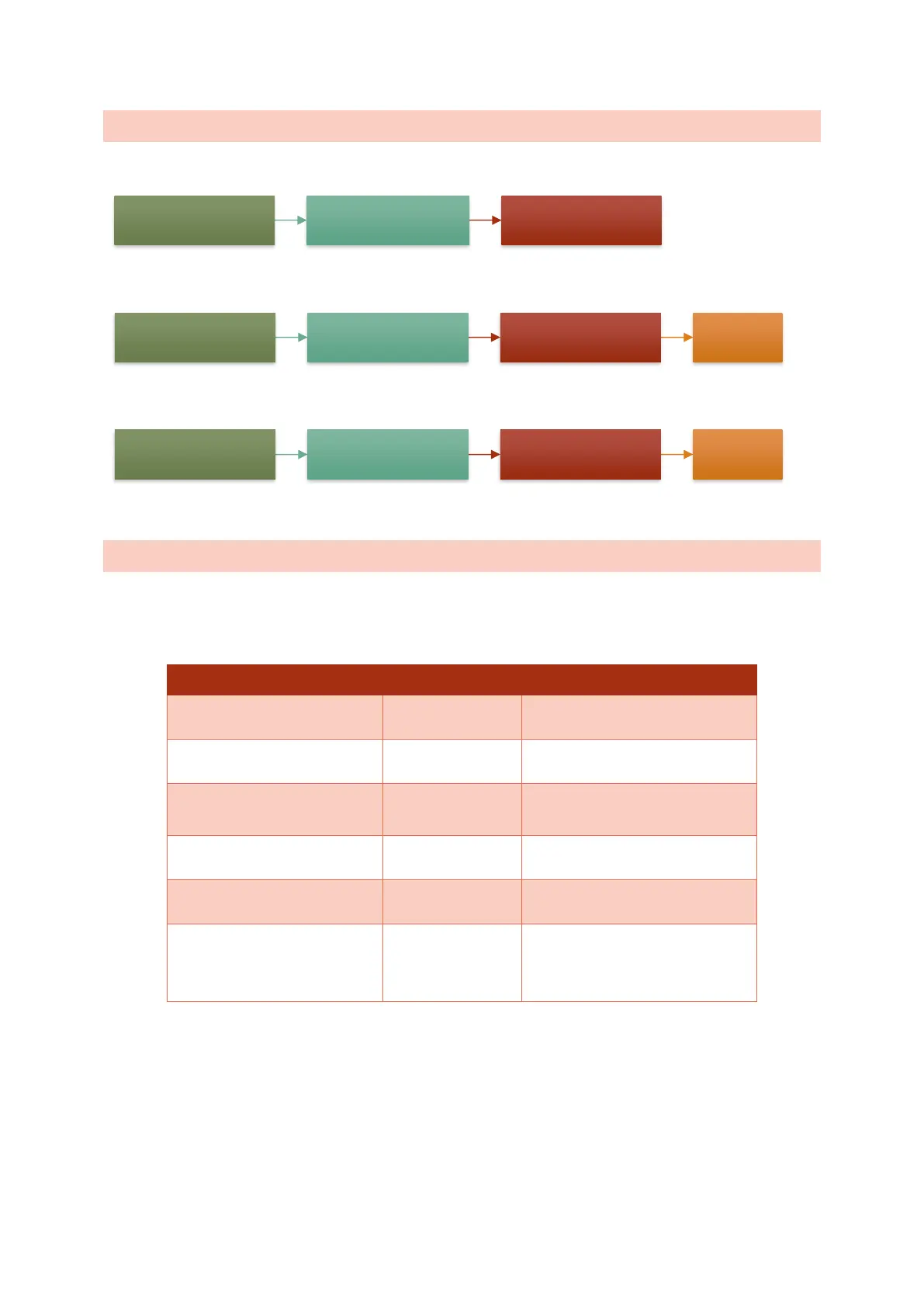
Check the settings for the DMX starting address. This is the address of the first channel used:
To activate the DMX 512 mode, you must select the DMX 512 setting in the Protocol menu:
Next, DMX control must be activated:
11.2 DMX-CHANNELS
The following 6 DMX channels are used to control the X2 Wave Flamer in DMX 512 mode. Since the
full spectrum of the channels is used (0-255), the Master switch of the DMX controller should be set to
100%.

DMX channels (DMX 512)
Example DMX value
Channel 1 (Starting
address + 0)
Angle
128 Mid position (0°)
Channel 2 (Starting
address + 1)
Speed
0 maximum speed
Channel 3 (Starting
address + 2)
Ignition
0 no ignition
255 Ignition
Channel 4 (Starting
address + 3)
Opening time
0 Standard value
Channel 5 (Starting
address + 4)
Programm
Channel 6 (Starting
address + 5)
Mode
0 Test-mode
128 Armed-mode
255 Test-mode
Menu Edit DMX settings M-DMX: Startadresse
Menu Edit DMX settings M-DMX: Protocol DMX 512
Menu Edit DMX settings M-DMX: Modus ON

Table of Contents