10.6.6 SAVING A GROUP
To save a group, right click one of the ignitions of the group, or click into the group field of the cue. The
following window appears:
Using the command "Save group", the group can be named and saved. The saved group can be
added to any preferred time by pressing the button "Group" and adding it:
10.7 SETTING AN OPENING TIME
For some single ignitions and sequences, and opening time can be set in the ShowCreator, or the
AutoShow. The ignitions/sequences that can be changed are marked in red in Attachment 1 - List of
sequences.
10.7.1 SETTING AN OPENING TIME IN THE SHOWCREATOR:
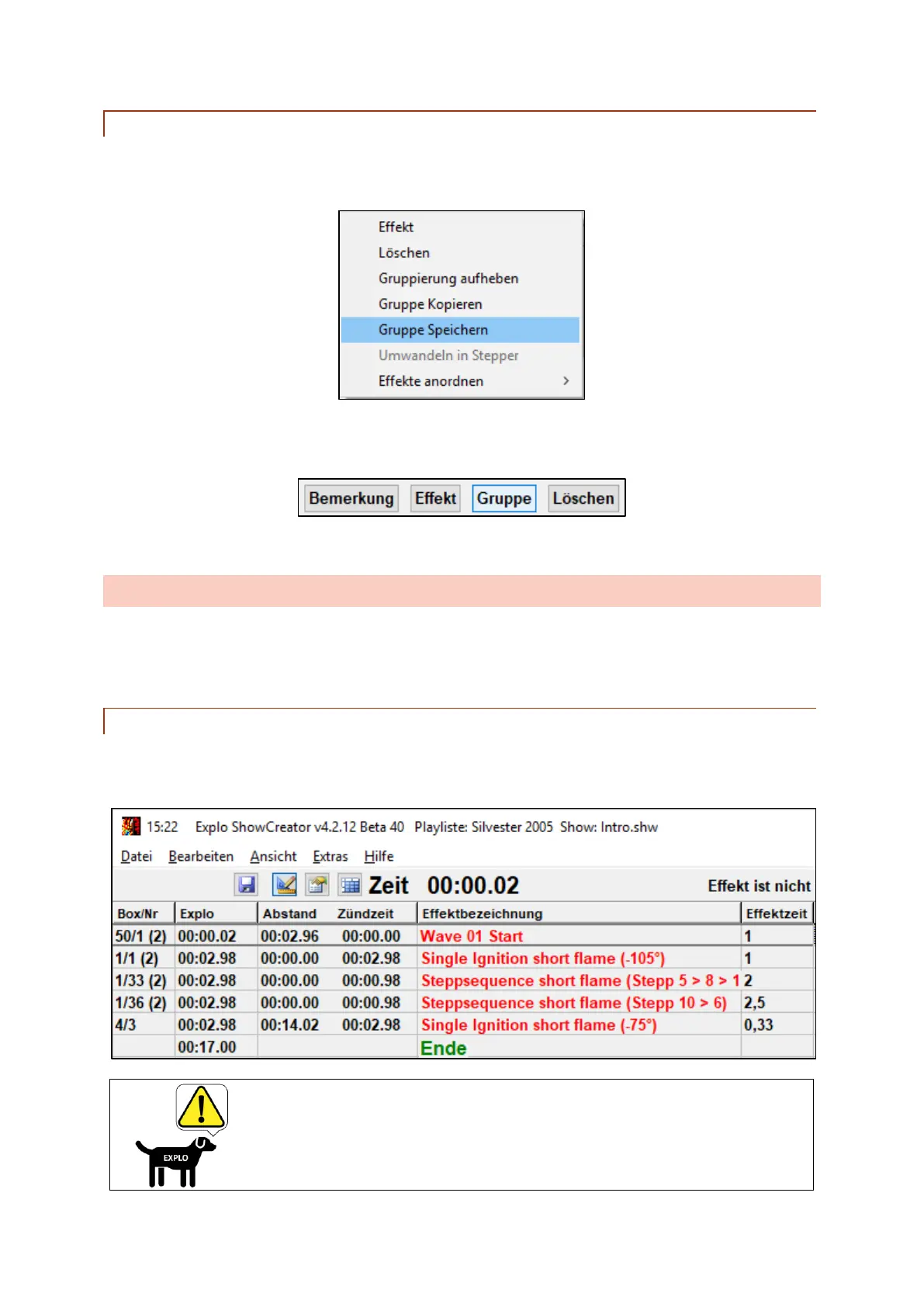
In the ShowCreator the opening time of every sequence can be changed. To do so enter the preferred
time into the effect time column of the ignition:
Only the opening times of ignitions and sequences marked
in red can be changed, as seen in Attachment 1 - List of
sequences.



 To Next Page