10.6.3 CANCELLING A GROUP
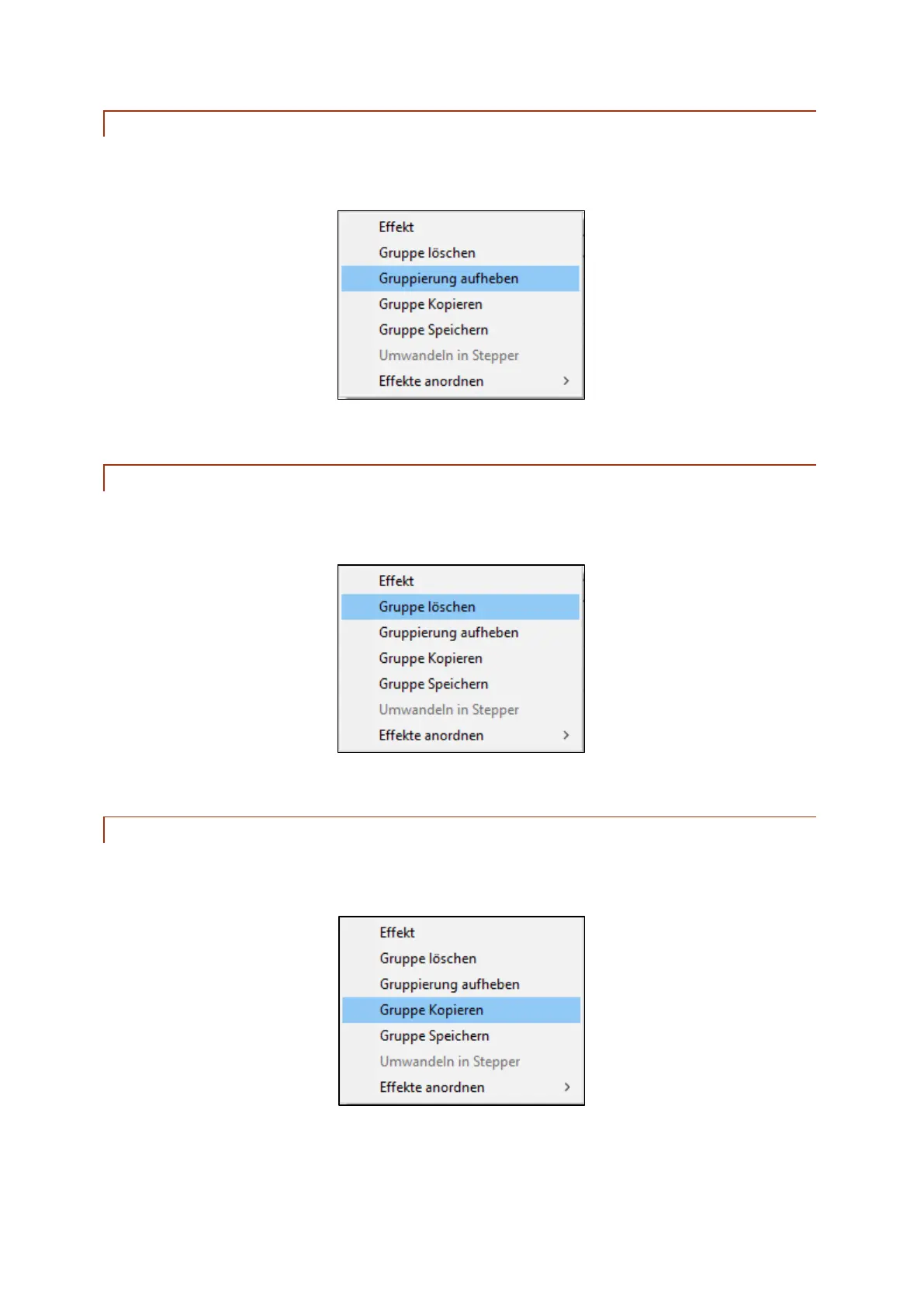
To cancel a group, right click one of the ignitions of the group, or click into the group field of the cue.
The following window appears:
Using the command "Lift group", the selected group will be cancelled.
10.6.4 DELETING A GROUP
To delete a group, right click one of the ignitions of the group, or click into the group field of the cue.
The following window appears:
Using the command "Delete group", the selected group will be deleted.
10.6.5 COPYING A GROUP
To copy a group, right click one of the ignitions of the group, or click into the group field of the cue. The
following window appears:
Using the command "Copy group" an exact copy will be made. This newly created group can be
moved freely.



 To Next Page