10.6.2.3 MOVING A SEQUENCE TO A CERTAIN IGNITION TIME
A third option, is setting the group as a sequence (including time intervals) to a certain starting point.
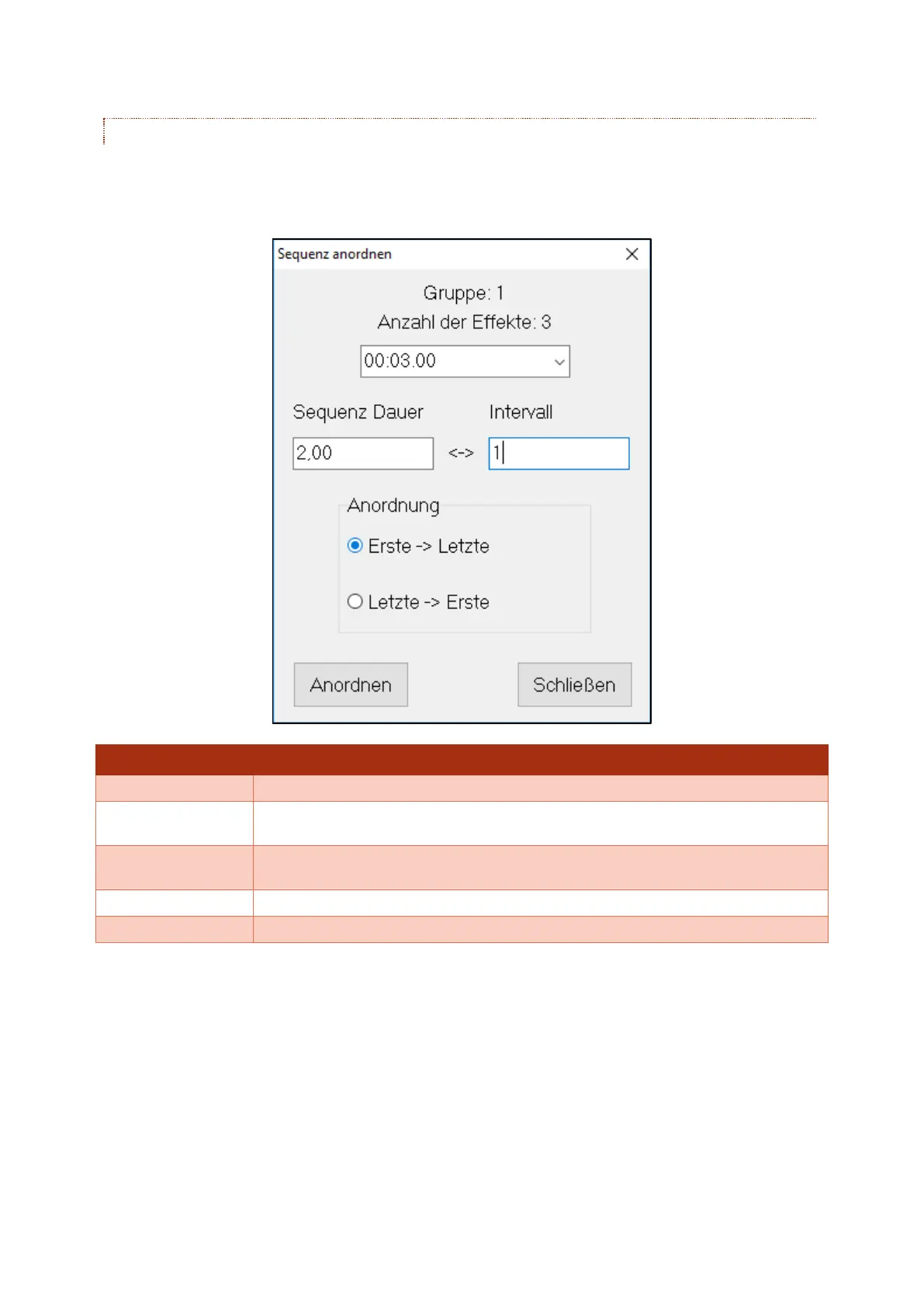
Here you can select the option "Sort sequence" under the menu "Sort effects". In the newly opened
window, different changes can be made to the sequence:
Allows you to set the ignition time of the first ignition.
Allows you to set the whole duration of the seqence. The software will calculate
the interval automatically from this.
Allows you to set the interval between the single ignitions. The software will
calculate the duration automatically from this.
Will set the lowest box number as the first ignition, and the highest as the last.
Will set the highest box number as the first ignition, and the lowest as the last.
If all settings have been made, the sequence can be moved with the botton "Sort".



 To Next Page