10.6.2 MOVING A GROUP
10.6.2.1 Moving via mouse click
To move a group, it can be dragged and moved to any other point in the show, clicking and holding it
with the left mouse button. The ignition time will be adjusted automatically.
10.6.2.2 Moving to a certain ignition time
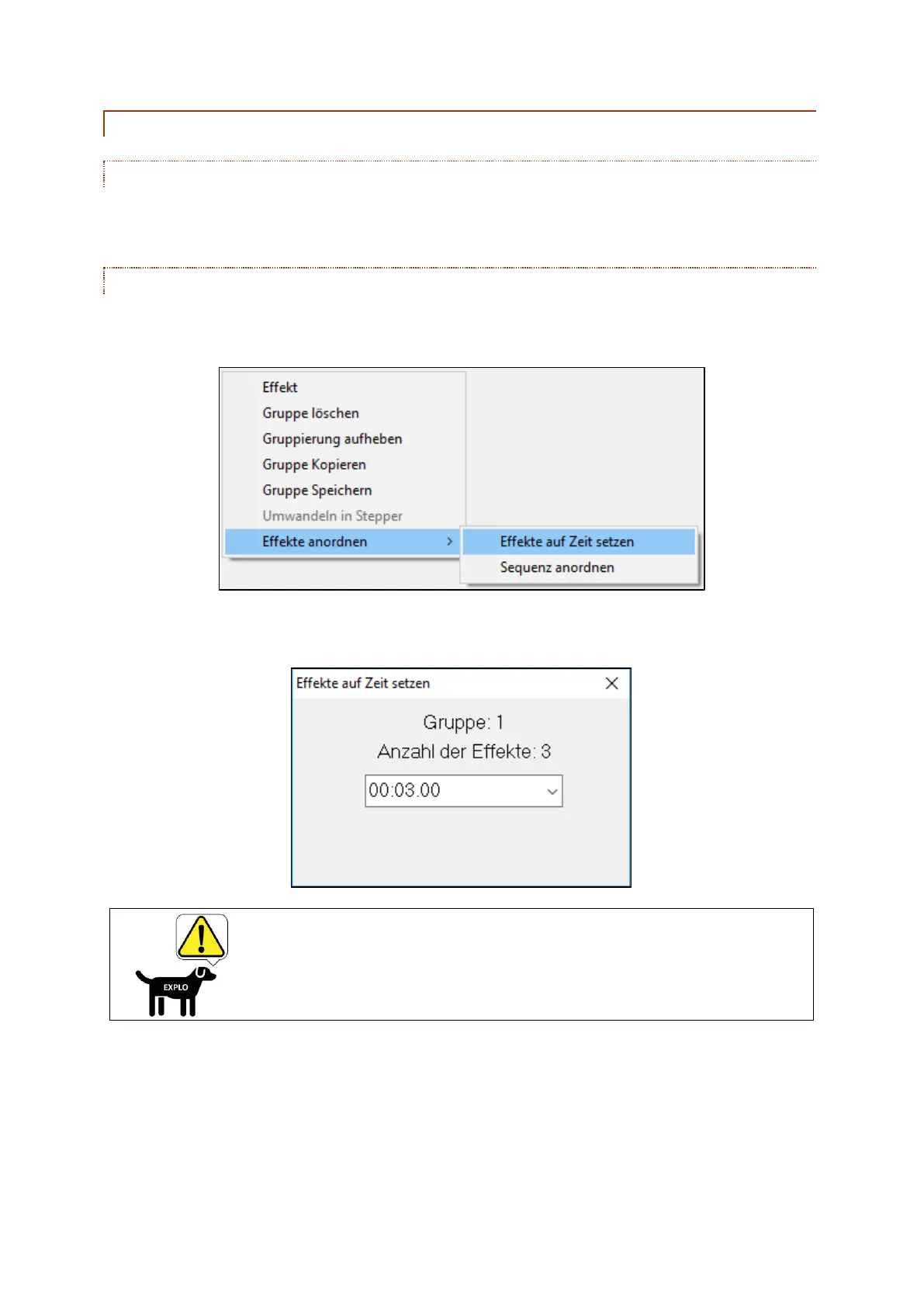
You can also redefine the exact ignition time for the whole group. Right click into one of the ignitions of
the group, or the group field. The following window appears:
At "Sort Effects" you can select the option "Set effects to time". In the now opening window you can
set the preferred ignition time:
When using the option "Set effects to time" all ignitions of
the group will be set to the same time. Distances between
ignitions won't be considered.



 To Next Page