10.6.1 CREATING A GROUP
If this simultanious ignition of the three boxes should be repeated at another spot, every ignition had to
be defined anew unti recently. The current software allows you to group the three ignitions together,
which can then be copied, changed or moved.
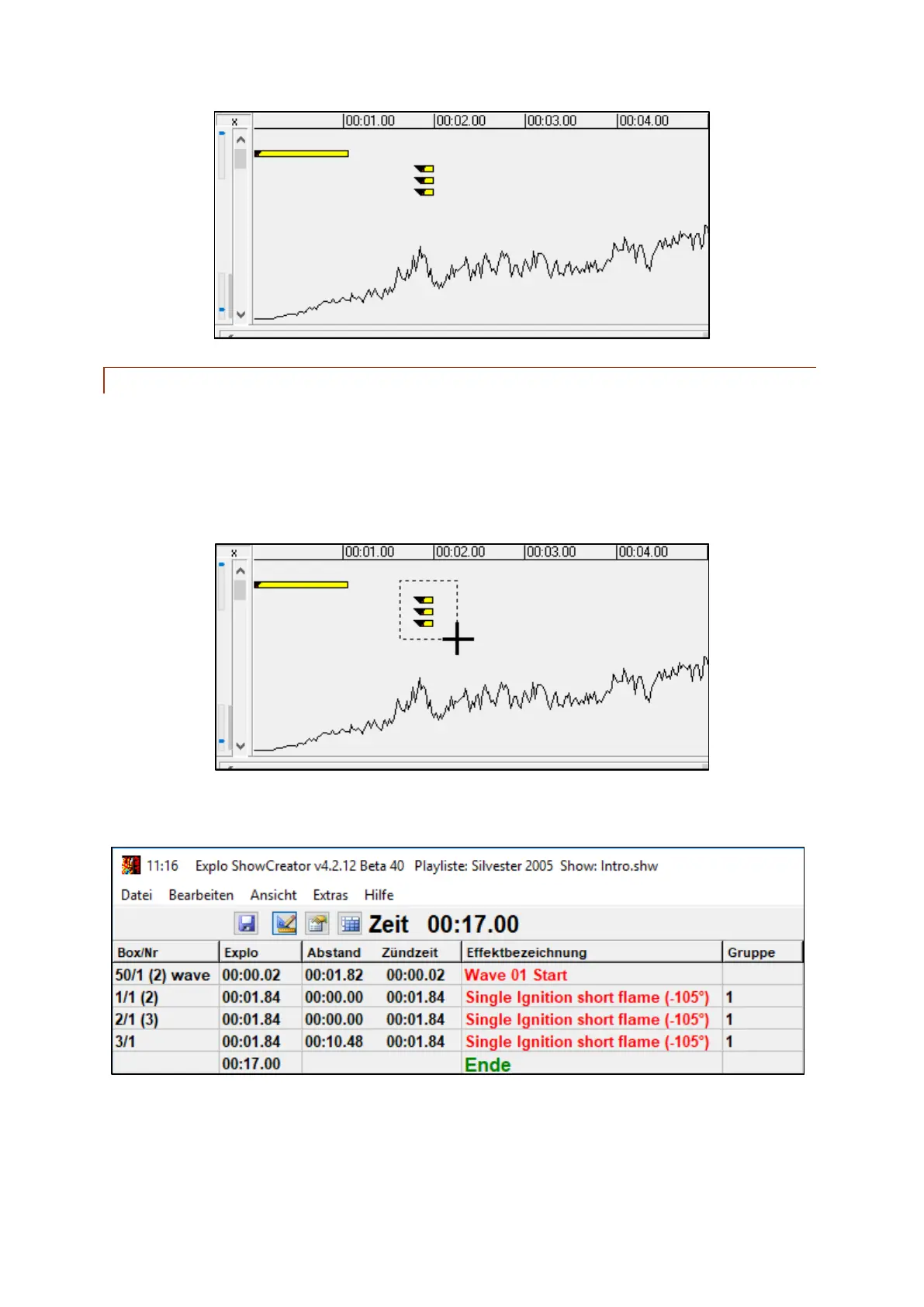
The first step is defining a group. Simply click and hold the left mouse button to mark the ignitions you
wish to use (see below).
If marked correctly, the selected ignitions will be grouped together. This is shown in the field "Group".
The first assigned group is named 1, the second 2, and so forth.



 To Next Page