ELISIR UTENTE PARAMETERS BOARD 002272575
34
Chapter 1
UTENTE
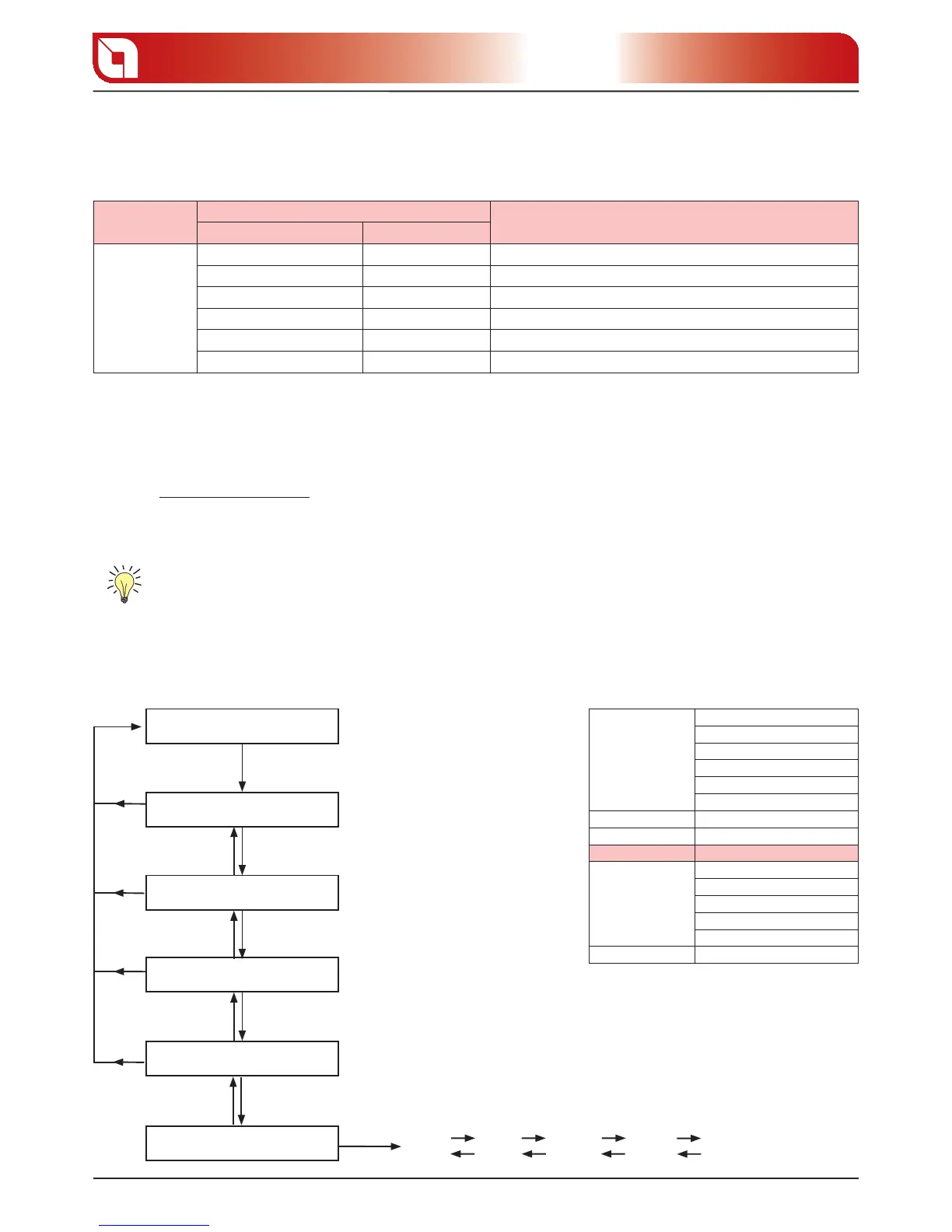
This menu contains di erent adjustments compared to the normal functioning of the product.
Menu
Display dispaly D1
Description
Sliding text Value
UTENTE
DISPLAY 0 20 Display brighteness adjustment
PELLET 20% / +20% % pellet feed adjustment
V1ARIA 10% / +10% Room 1 fan % adjustment
STANDBY ON / OFF Enables/disables the STBY function
KEYS FROZEN ON / OFF Enables/disables the keys frozen function
V2ARIA 10% / +10% Room 2 fan % adjustment
DISPLAY
This parameter allows to adjust the brightness of the display
Controls procedure
Press button 5 until “1. SET CLOCK“ appears on display D1.
Using buttons 2 and 3 select “2. UTENTE“.
Press button 5 to access the menu.3.
Using buttons 2 and 3 select “4. DISPLAY“.
Press button 5 to access the menu.5.
The following operations can be carried out from the menu:6.
Select the desired brightness using buttons 2 and 3.
Using button 1 confirm and return to the higher menu SET CLOCK.
DISPLAY SETTING RAPID MODE
INITIAL SCREEN
SET CLOCK
SET CHRONO
LANGUAGE
UTENTE
key 5 for 3 seconds
key 3
key 3key 2
key 3key 2
01
key 3
02
key 2
key 3
key 3
key 2
etc
key 1
key 1
key 1
key 1
key 2
key 5key 1
DISPLAY
SET CLOCK
DAY
TIME CLOCK
MINUTES CLOCK
DAY CLOCK
MONTH CLOCK
YEAR CLOCK
SET CHRONO SEE FOLLOWING TABLE
SET LANGUAGE LANGUAGE
REG. UTENTE DISPLAY
PELLET
V1ARIA
STANDBY
KEYS FROZEN
V2ARIA
SET TECHNIC RESERVED TECHNICIAN





 To Next Page