ELISIR UTENTE PARAMETERS BOARD 002272575
28
Chapter 1
ELISIR UTENTE PARAMETERS BOARD 002272575
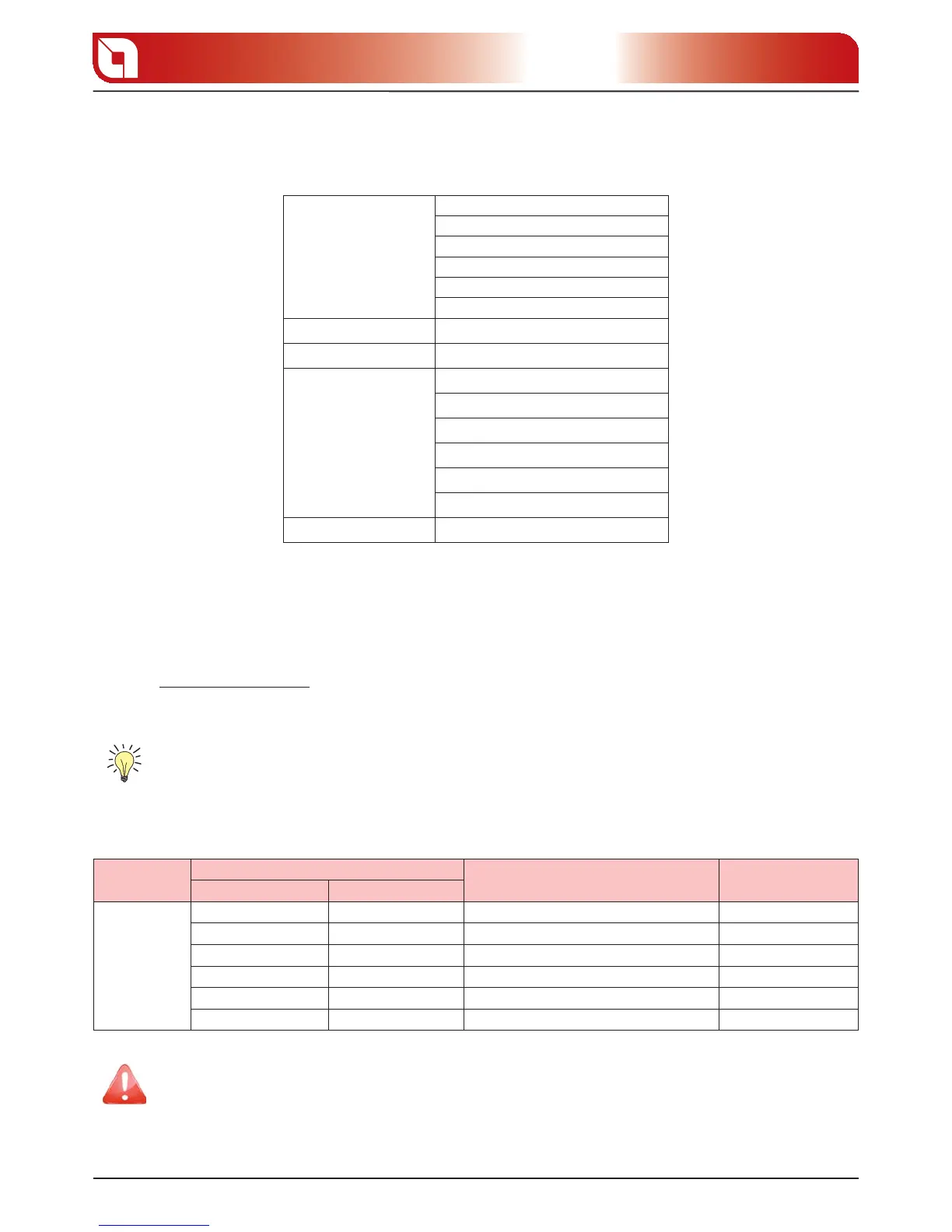
There are di erent menus allowing to customise the functioning of the product depending on ones’ own
requirements. The menu is structured as follows:
SET CLOCK
This section allows to adjust the current DAY CLOCK and time.
Controls procedure
Hold down button 5 until “1. SET CLOCK“ appears on display D1.
Press button 5 to access the menu.2.
The following operations can be carried out from the menu:3.
Adjust the selected value using buttons 2 and 3.
Using button 5 confirm and proceed to the following parameter.
Using button 4 return to the previous parameter.
Using button 1 confirm and return to the higher menu.
Menu
View display D1
Description View display D2
Sliding text Value
SET CLOCK
DAY MON SUN Current week day Power
TIME 00 23 Current time Power
MINUTES CLOCK 00 59 Current MINUTES CLOCK Power
DAY CLOCK 00 31 Current MONTH CLOCK day Power
MONTH CLOCK 01 12 Current MONTH CLOCK Power
YEAR CLOCK 00 99 Current YEAR CLOCK Power
It is necessary to remember to adjust at least the rst 3 parameters (day, TIME CLOCK and
MINUTES CLOCK) to be able to correctly use the chrono automatic function in that the
programmed ignitions and switch-o s will be adjusted by these parameters.
SET CLOCK
DAY
TIME CLOCK
MINUTES CLOCK
DAY CLOCK
MONTH CLOCK
YEAR CLOCK
SET CHRONO
(see following table)
SET LANGUAGE
language
REG. UTENTE
display
PELLET
V1-ARIA
stand-by
keys frozen
v2 - air
SET TECHNIC
reserved technician







 To Next Page