MAX300-RTG : Hardware Manual Hardware Maintenance
54
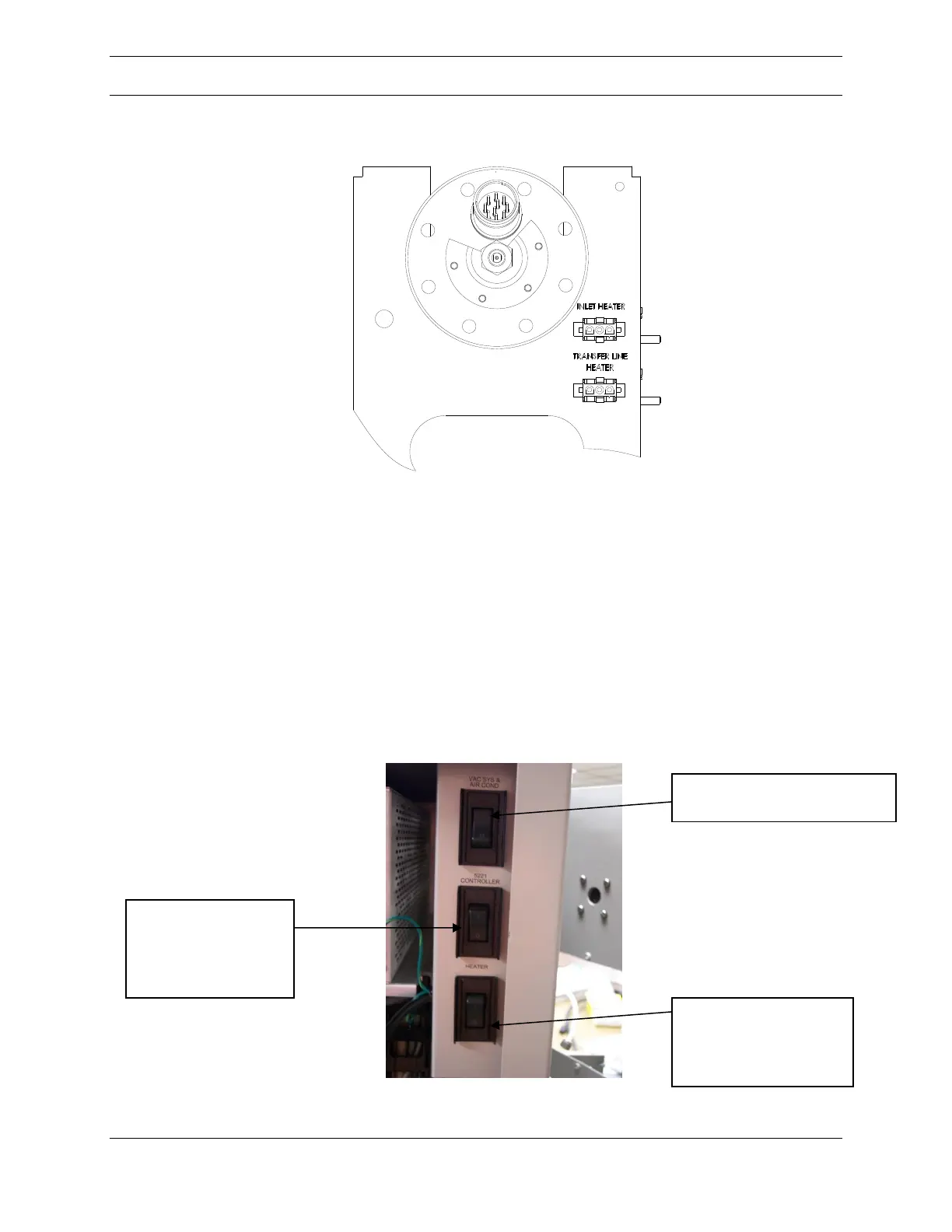
Figure 27: Ionizer Flange
7. Open Instrument Status and monitor the ionizer temperature
8. When the ionizer temperature is below 100
o
C, remove the
electronics power by unchecking the box for Power in the Control
Parameters section of the Configuration Tab
9. Turn off the pumps via the Vac System & AC switch visible in Figure
28 below
10. Turn off the Heater switch also visible in Figure 28
Figure 28: Enclosure Switches
VAC SYS & AIR COND
Operates pumps and A/C
HEATER
Operates A/C and
optional valve box
heaters
ELECTRONICS/5221
CONTROLLER
Operates the
electronics and
computer



 To Next Page