MAX300-RTG : Hardware Manual Hardware Maintenance
69
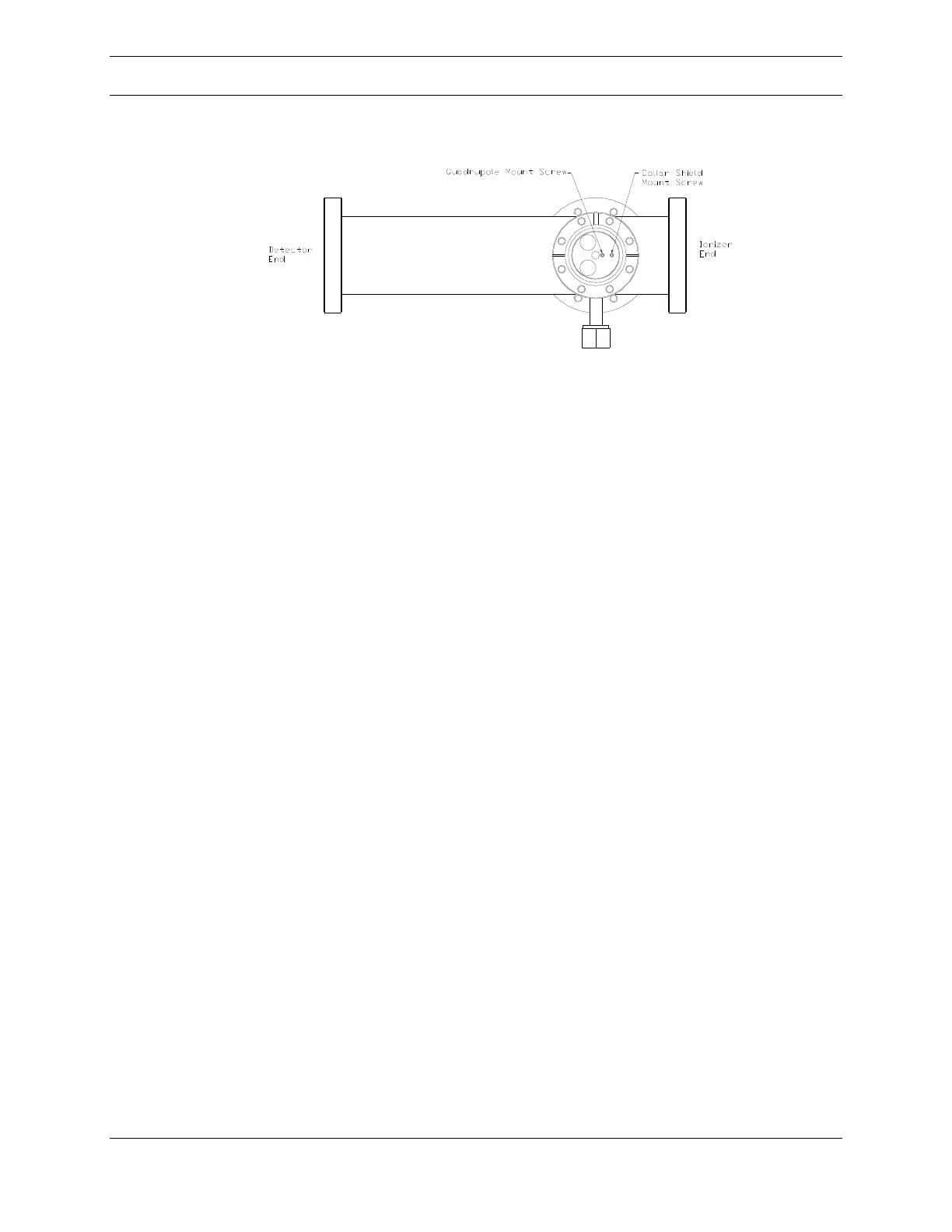
Figure 43: Quadrupole RF Connector Port
When looking down through the RF connector port of the chamber, as in Figure 43
above, the two 2-56 socket head screws (5/64 inch hex key) that secure the
quadrupole mass filter assembly into the vacuum chamber are visible. By removing
the collar shield screw and the quadrupole mount screw, the assembly can be
pulled out of the chamber and placed in a clean area (a sheet of lint-free tissue
paper placed on a level surface).
Note: do not force the quadrupole through the chamber! If it gets stuck, gently slide
the assembly side to side and up and down until it is easily removed.
Quadrupole Collar Shield Disassembly
Required Tools
(1) Pair Lint Free or Nylon Gloves
(1) 1/8 inch (3mm) flat blade screwdriver
Once removed from the vacuum chamber, a partial disassembly of the quadrupole
is necessary before cleaning. Place the quadrupole on a clean, level working
surface before beginning the disassembly procedure.



 To Next Page