Operating the LCD Panel
Platform Guide: 6900 and 8900 3 - 1
Introducing the LCD panel
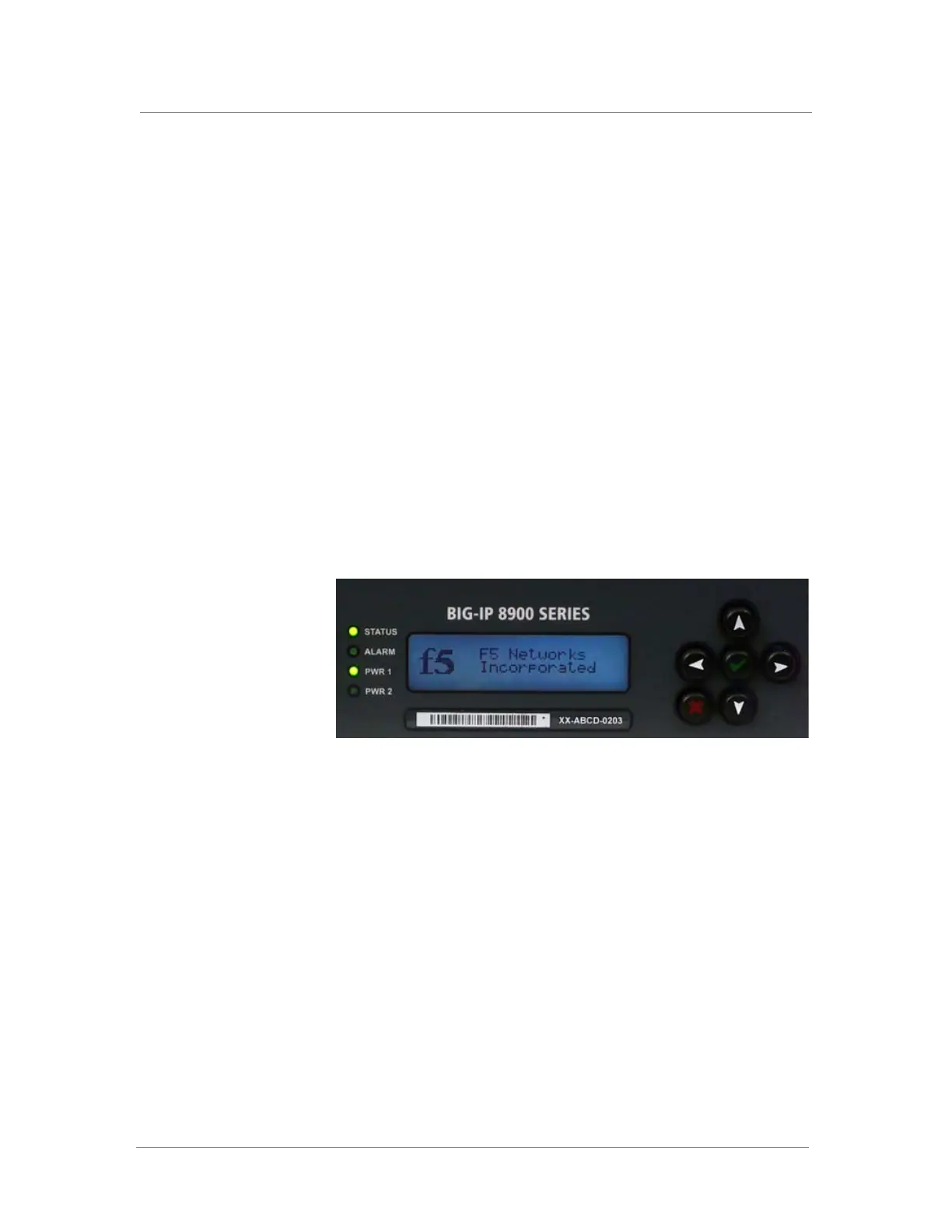
The liquid crystal display, or LCD panel, provides the ability to control the
unit without attaching a console or network cable. Figure 3.1 shows the
LCD panel for the 6900 platform, which is identical to the LCD panel for
the 8900 platform. The following menus are available on the LCD panel:
◆ LCD config menu
Use the LCD config menu to configure the properties of the LCD panel.
◆ Screens menu
Use the Screens menu to set up the informational screens you would like
the LCD panel to cycle through. The information screens include system
status, statistics, and system alerts.
◆ System menu
Use the System menu to reboot, netboot, or halt the unit. This menu also
has options for setting the properties of the management interface
(MGMT) and the serial port.
This chapter describes how to use the LCD panel and its menus. It does not
describe each function available in each menu.
Figure 3.1 The LCD panel and control buttons



 To Next Page