Replacing DC Power Supplies
Platform Guide: 6900 and 8900 8 - 7
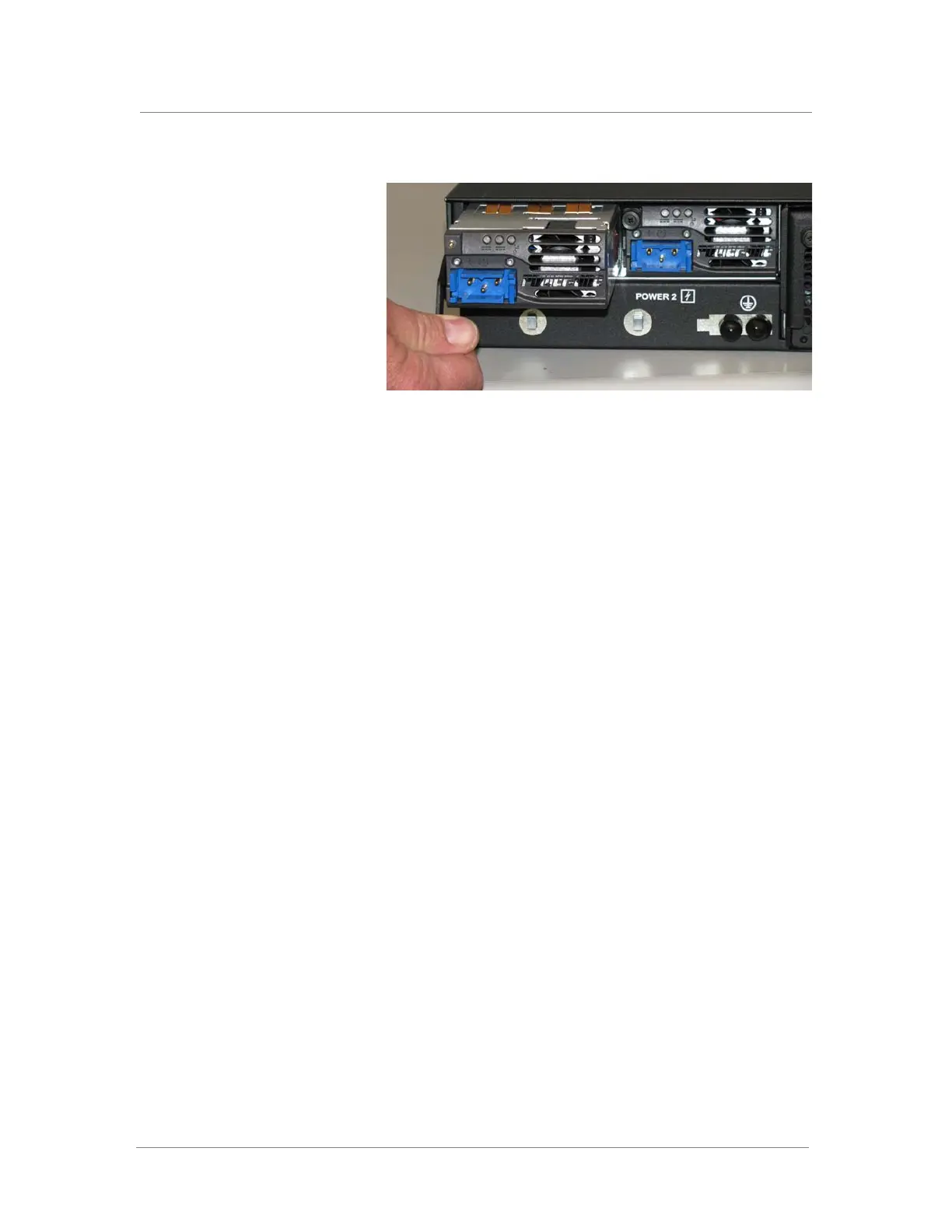
4. Remove the power supply from the system by pulling straight
toward you.
5. Ensure that the latch on the new power supply is in the down
position, and then slide the power supply into the power supply slot
until the latch engages.
6. Rotate the latch upwards to fully seat the power supply.
7. Tighten the screw into place by turning it clockwise, using an
appropriate screwdriver.
The power supply is connected to the system when you tighten the
screw completely.



 To Next Page