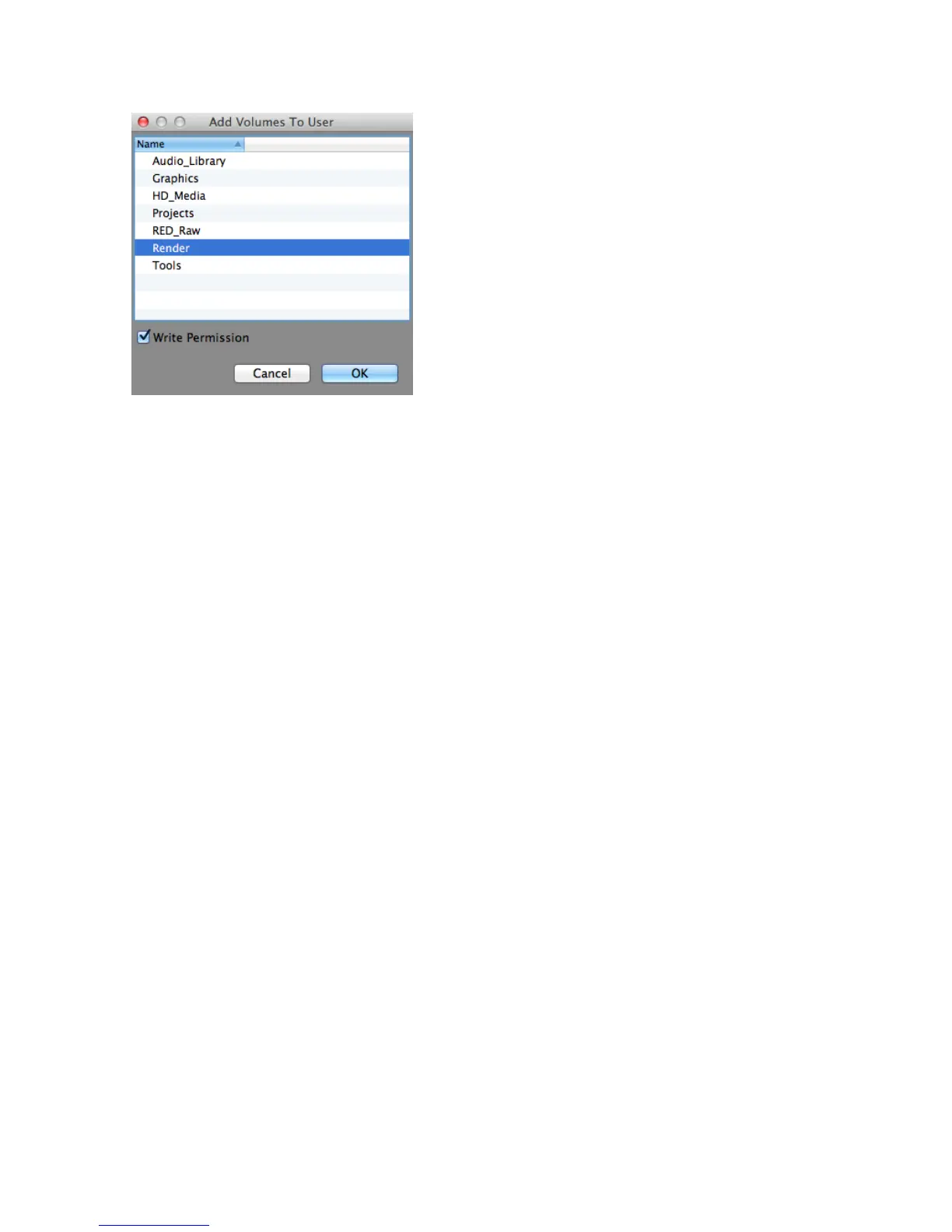
When a volume is added, the selected user
or group will have either Read-Only (Default)
or Write permissions to the volume (if the
Write Permission box is checked). Several
volumes can be added simultaneously, but
they will all be given the same permissions.
Volume Access permissions can be changed
after volumes are added by using the
“Change Permission…” button under the
Volume Access Permissions pane in the User
tab.
Refresh
The Refresh button is used to update the display
of the TerraBlock Manager. Upon completing a task in the User Tab, if the display
does not refresh automatically, click the Refresh button. If the TerraBlock Manager
display still had not updated, quit and re-launch the TerraBlock Manager.
Volume Access Permissions
The Volume Access Permissions pane in the Users Tab allows an Administrator to
remove volumes from users and change users’ permissions to volumes. When a user
is selected, the following information appears:
Name – Volumes with permissions for the selected user.
Status – The current volume mount status for the user shown.
Permission – Write ‘W’ or Read Only ‘R’ permissions for the selected volume.
Change Permission – Change a user’s read/write permissions for the selected
volume(s).
Remove from User – After removal, the selected user will no longer have the ability
to mount the selected volume(s). If the user is set to “Normal”, the volume will not
be displayed in the Volumes Tab.
System Tab
These are the columns displayed in the System tab:
Unit# – This lists the drive label number given when the TerraBlock drive set was
created. The number should correspond to the position of the physical drive in the
server if the physical drives were installed correctly. The drive Unit number will
increment after a drive replacement has completed (replaced drive will list as 25).
Status – The Status column will list the current state of the physical drives. The
status will list as GOOD under normal operation. Status will changed to FAILED if a
physical drive has failed, RECOVERING if a failed drive has been replace and
recovery is in progress, and REPLACED once the recovery has completed.



 To Next Page