Chapter 8 – Using the CommandApp
The Facilis CommandApp provides access to functionality of the Terrablock Manager
through a Command Line Interface (CLI). The CommandApp can be launched as an
application or through a CLI on Mac, Windows, and Linux.
Running the CommandApp as an application
The CommandApp can be found in the Manager folder within the CommandApp folder on
windows or at the root of the Manager folder on both Mac and Linux OS’s. It must remain
there in order to run. On windows, the application should be renamed to
TerraBlockManager if you want to preserve mount points set in the TerraBlockManager.
To Launch
1. Double Click CommandApp or TerraBlockManager within the CommandApp folder.
2. The Application will ask if you want to enter an address for a TB server.
a. If you are connecting via fibre enter “n”
b. If you are connecting via Ethernet enter the IP address of the Terrablock
server
3. If you have the username and password feature enabled on the server it will then
prompt for the username.
a. Enter the username and hit enter
b. Then enter the password and hit enter (Enter ~ for no password).
4. The CommandApp will then display the list of available commands
Available Commands
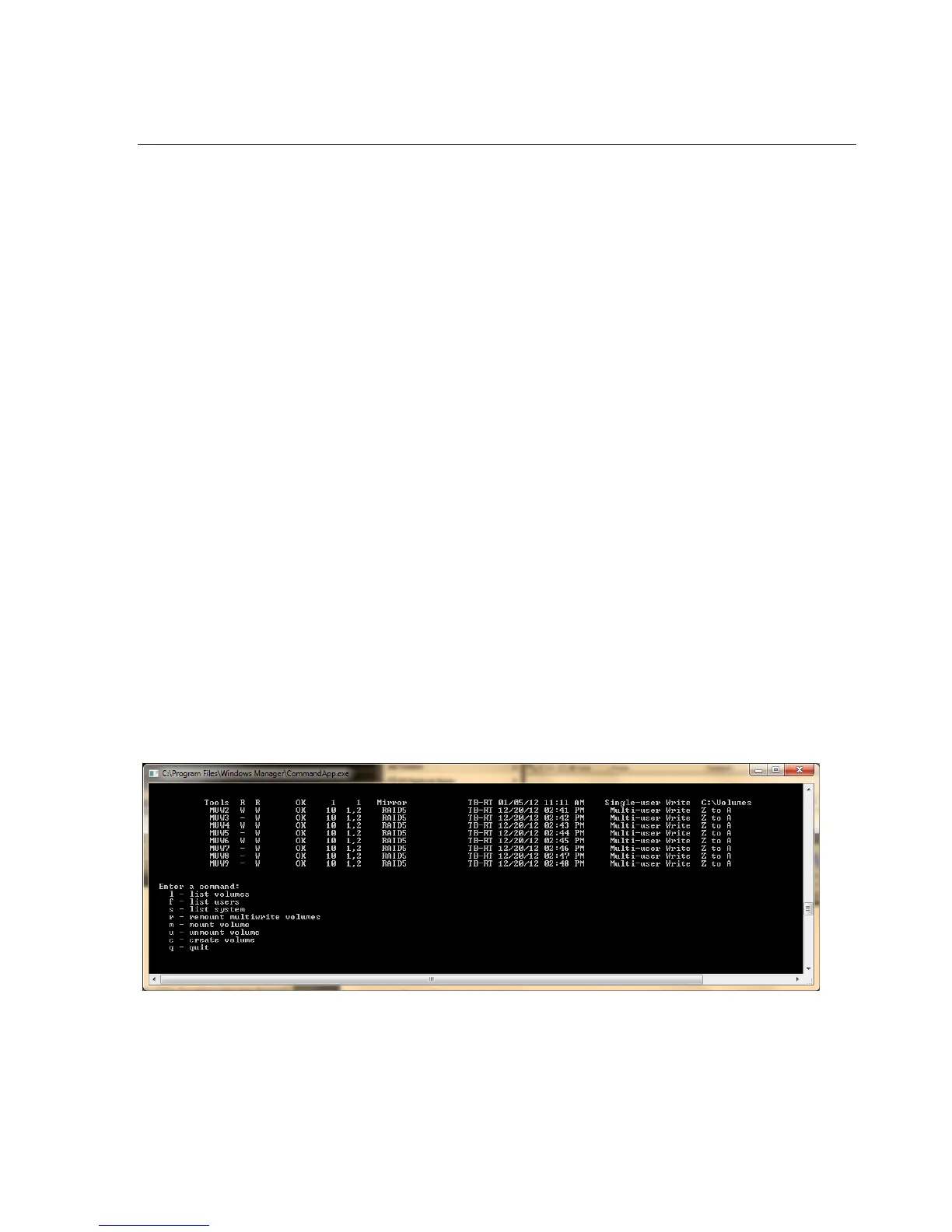
l – List volumes: Lists the TerraBlock Manager volumes tab.
Example output:
s – List System: Lists the Terrablock Manager system tab.



 To Next Page