10. Right click that adapter to change your TCP/IP settings as you would in a
single connection configuration (see pg. 59 “Single Ethernet Connection”).
10 GB Ethernet Connection
The 10Gbit option requires a TerraBlock Server that is running the Windows 7 or
Windows 10 x64 operating system. The card installation requires an available PCIe
slot in the TerraBlock Server. If all the PCIe slots are occupied with Fibre Channel
cards you will have to remove one card and consider adding a Fibre Channel switch
to accommodate those clients connected to the card(s) you remove.
Installing the add-in 10Gbit Ethernet Card Driver
1. Once the card is installed and the system is rebooted you must install the
driver. The driver is provided with the 6.5 release.
2. Double click the Myricom driver installer (myrige-1.1.10_64) and choose
“Run”.
3. Click “Next” at the Myricom introduction splash screen.
4. At the “Welcome to the Myri-10GE_x64 Setup Wizard”, click “Next”.
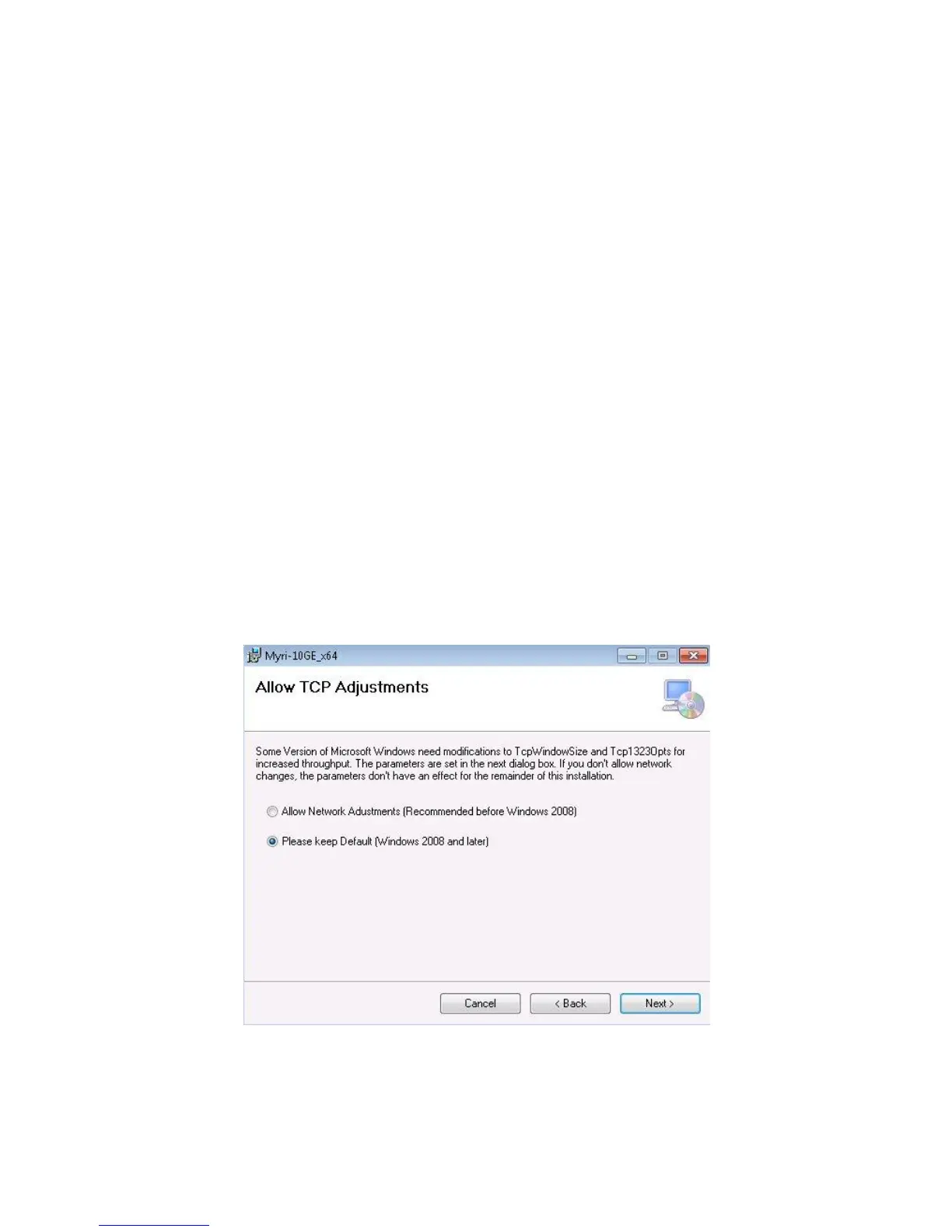
5. At the “Allow TCP Adjustments” screen, select “Please keep Default
(Windows 2008 and later). Click “Next”.
6. At the “Network Values” screen, leave all values at default. Click “Next”.



 To Next Page