21
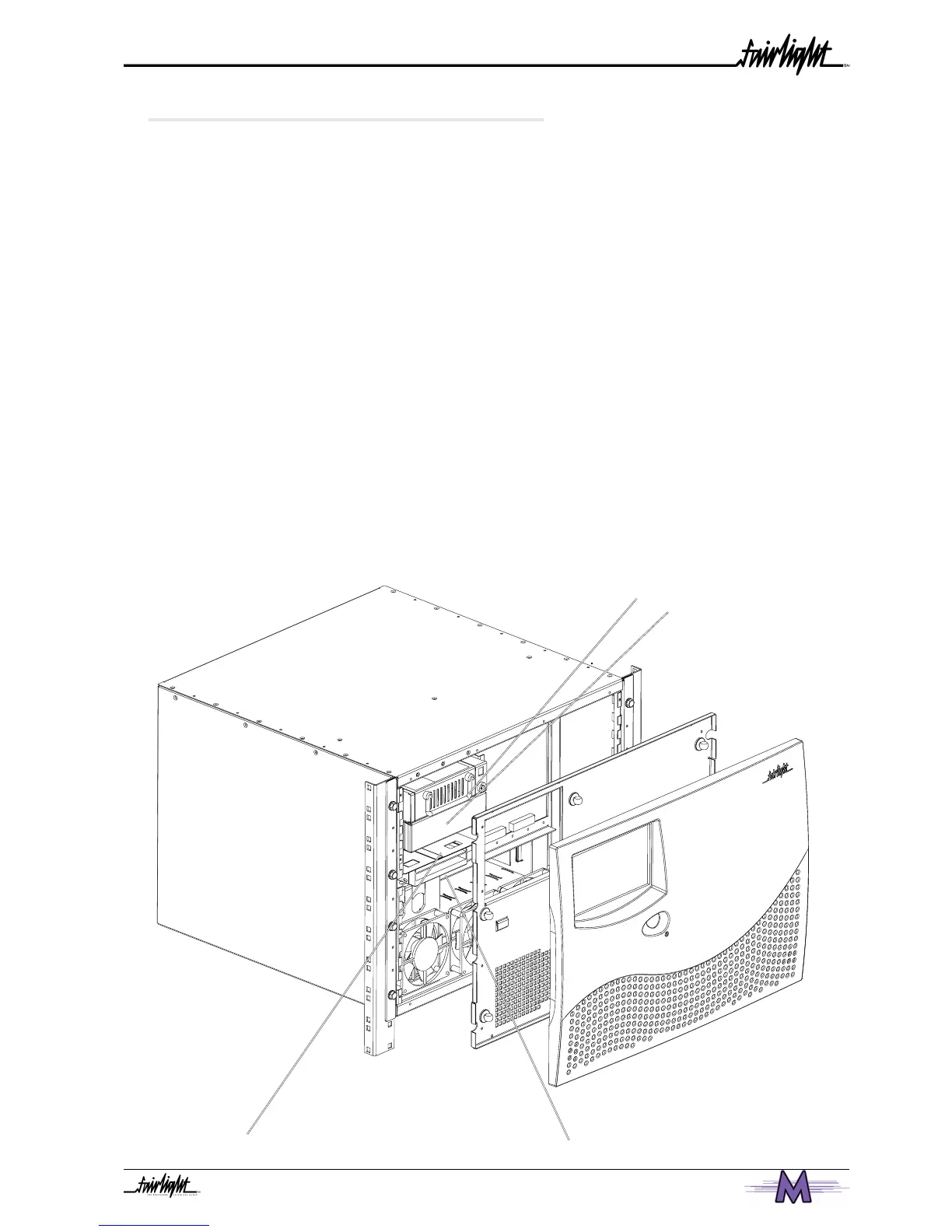
Additional 3.5” Drive Bay
3.6 INTERNAL AND EXTERNAL SCSI DEVICES
The Engine unit has been designed to accept two 3.5 Inch drives and 2 5.5” drive bays
internally which can take either Kingston Technology drive enclosures or an Exabyte
enclosure. The system typically comes configured with one system disk which contains the
O/S9 Operating System and Merlin software. This allows for 3 media drives to be fitted
internally in the system.
With a second SCSI Controller installed within the Engine an additional 7 SCSI devices
can be attached externally.
Typically Exabyte drives should be set to ID “5” when connected on either SCSI Buss.
Optical based devices should be set to ID “3”. When connected on either SCSI bus.
It is recommended that a rack tray be fitted either above or below the Engine to hold
external SCSI devices. The last device on the chain should be terminated with all other
devices being looped through. The cables should be the shortest length possible to avoid
SCSI bus corruption.
See Section 5 - Configuring Disk Drives
2 Kingston or Exabyte Drive Bays
System Boot
Drive
Engine Front Facia



 To Next Page