24
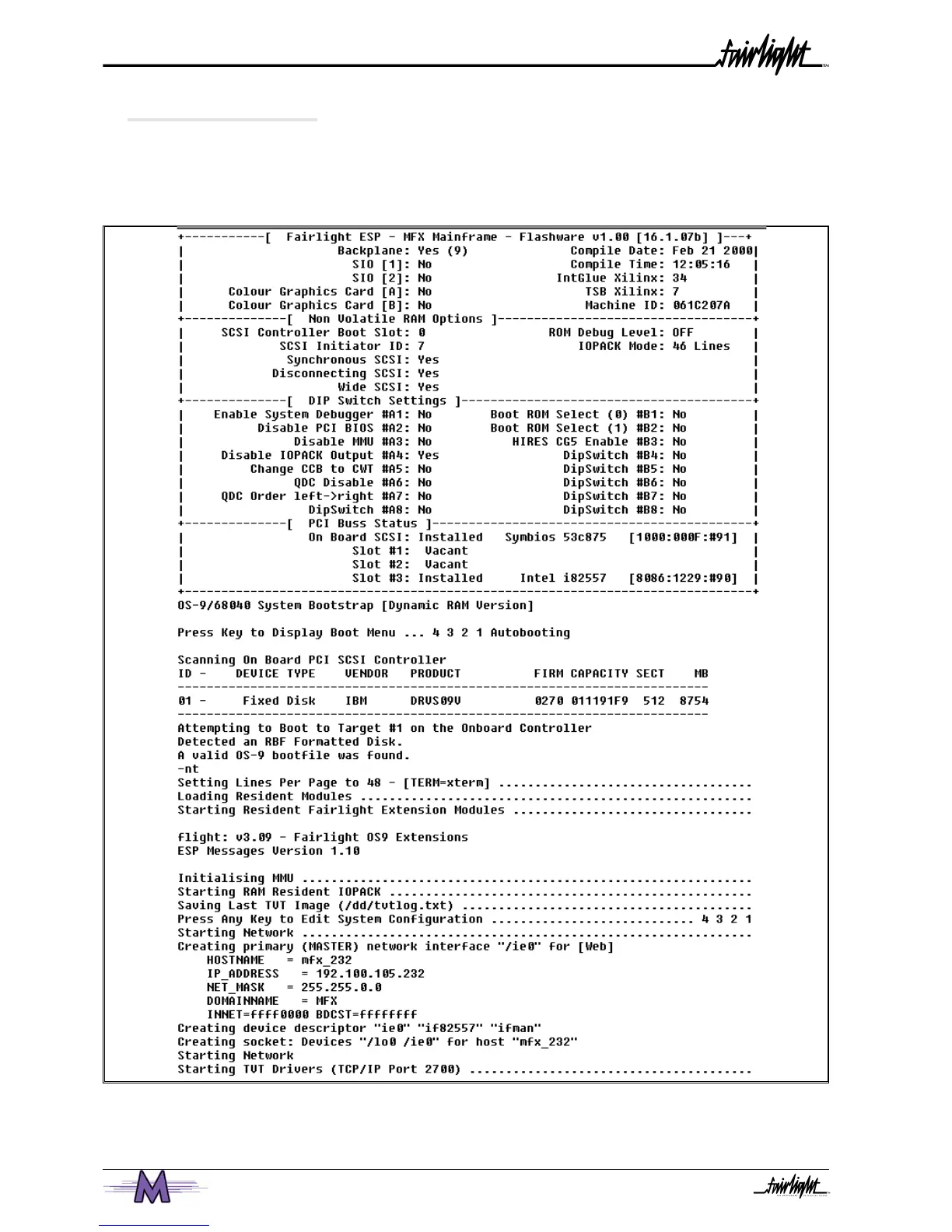
4.3 BOOT UP SCREEN
At this point the system should be booting up and the following text should be seen on
the graphical interface.
1. Take note of the SCSI devices being found in case a problem is encountered.
2. If the Merlin system has been configured to be part of a network, check that the
Engine is attaching to the network. For further details on connecting to an Local Area
Network, please the network administrator.



 To Next Page