Service Manual CHAPTER 3 - INSTALLATION PROCEDURE July 24, 2008
SX-48 Page 13
Setup
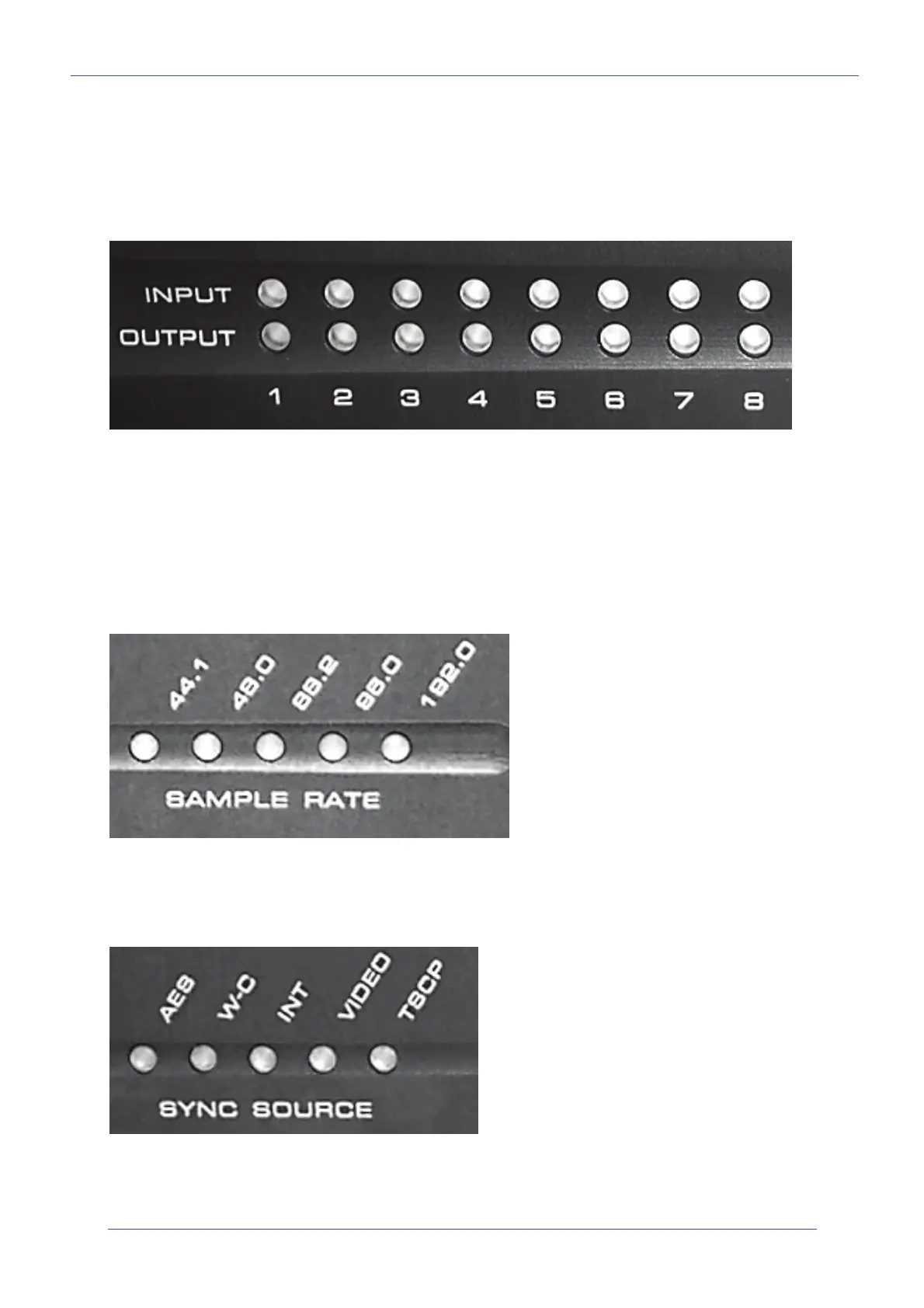
Setup Mode is used to set both Sample Rate and Sync Source. Enter setup mode at any time when
the unit is powered on, by pressing and holding the Setup button for a few seconds, until one of the
Sample Rate LEDs starts to flash.
Check I/O Hardware Indication
While the SX-48 is in Setup Mode, the Input and Output LEDs show the status of the I/O boards. They
can be checked as follows.
• If an input or output LED is green, it means there is an analog input or output at that position.
• If an input or output LED is orange, it means there is a digital input or output at that position.
• If an input or output LED is off, it means there is no correctly functioning input or output at
that position.
Sample Rate
While the SX-48 is in Setup Mode, pressing the Setup button will cycle around the Sample Rates (not
including 192 kHz). Press it repeatedly until your desired sample rate is flashing. Now press and hold
the Setup button for a few seconds, until one of the Sync Source LEDs starts to flash.
Sync Source
Pressing the Setup button will now cycle around the Sync Sources. Press it repeatedly until your
desired Sync Source is flashing. Now hold the Setup button for a few seconds until all LED flashing
stops.


 To Next Page