Service Manual CHAPTER 5 - SX-48 IN A DREAM II SYSTEM July 24, 2008
SX-48 Page 18
Chapter 5 - SX-48 in a DREAM II System
Sync
Primary sync for a DREAM II system is provided by an SX-20 sync and I/O box. This is shipped as a
standard component with DREAM II systems. Adding an SX-48 increases the number of I/O channels.
It is important to synchronise SX-48 with DREAM II, to ensure clean audio transmission through the
system. This is achieved by connecting the same primary sync source to both the SX-20 and the SX-
48. For example, if a video house sync is being used, it should be connected to both boxes, and both
boxes should have video selected as the sync source.
Audio Connection
SX-48 is used with DREAM II as follows:
• Analog Input → MADI → DREAM II
• DREAM II → MADI → Analog Output
• AES/EBU Input → MADI → DREAM II
• DREAM II → MADI → AES/EBU Output
The MADI connectors on the rear of the SX-48 are used to transmit up to 48 channels between it and
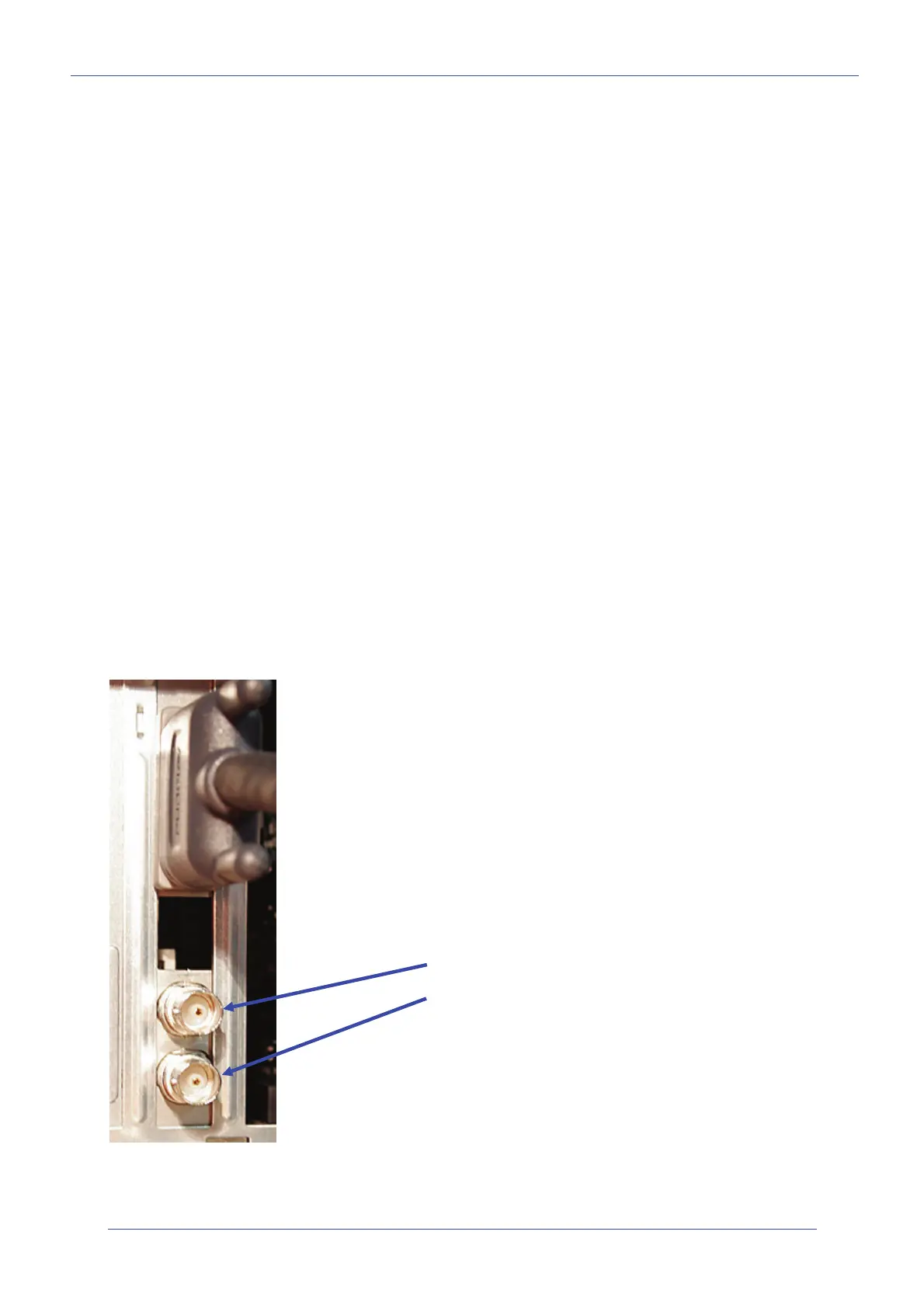
the DREAM II system. Use MADI cables to connect to the BNC connectors on the rear of the CC-1
card installed in the DREAM II host PC.
Connect MADI Out on the CC-1 to MADI In on SX-48.
Connect MADI In on the CC-1 to MADI Out on SX-48.
To connect more SX-48s, add a CMI MADI extension board to the DREAM II host PC.
CC-1 Card showing:
MADI Out
MADI In


 To Next Page