Service Manual CHAPTER 6 - THE SX-48 CONFIGURATOR July 24, 2008
SX-48 Page 28
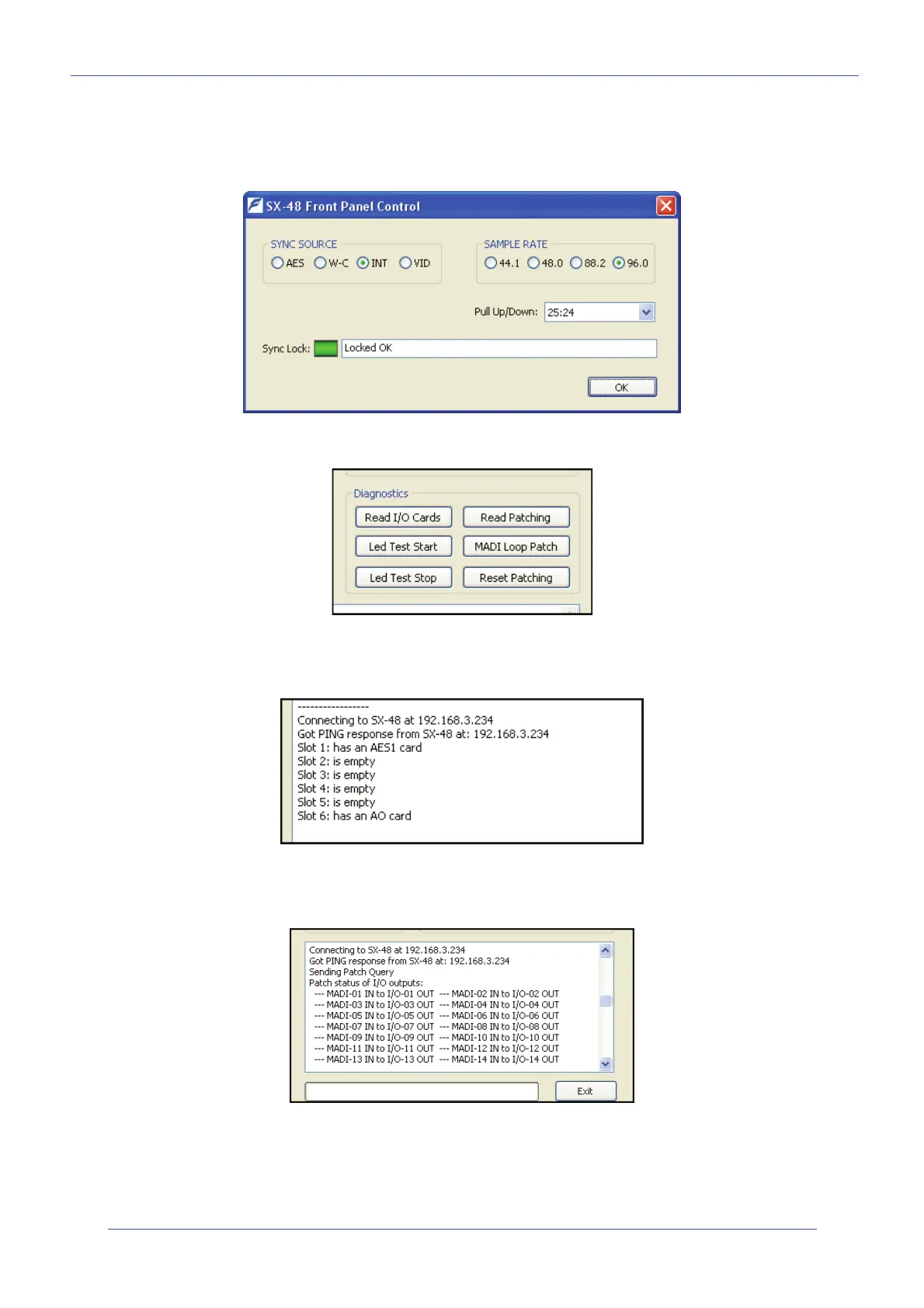
You can set up the Sync source and Sample Rate, and also Pull Ratio setting. This can also display
the reason for a lock failure such as "Sync Source not connected".
With AES or W-C sync input it will show the actual input sample rate and pull ratio if not locked.
Diagnostics Section
Read I/O cards
This gives you the I/O card configuration in a particular unit.
Read Patching
This currently gives you a readout of the current patching scheme.


 To Next Page