5
ArtNo.270-0001
Proplus control to high
2. Cooker Overview
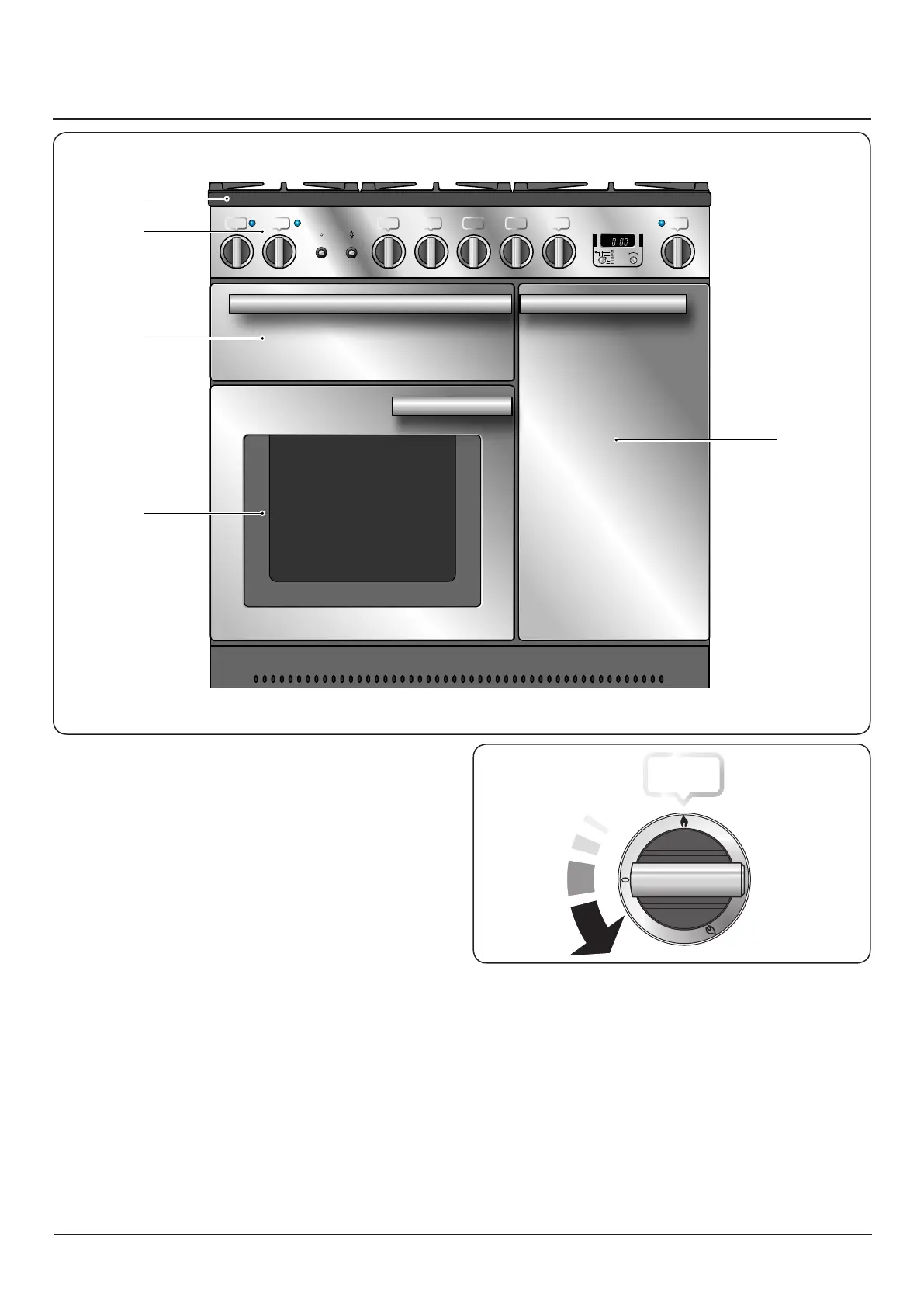
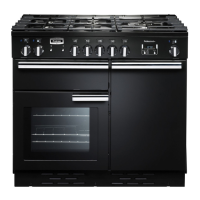
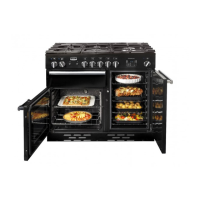
The 90 dual fuel cooker (Fig. 2.1) has the following features:
A. 5 hotplate burners including a wok burner
B. A control panel
C. A glide-out grill
D. Programmable main fan oven
E. Tall fan oven
Hotplate Burners
The drawing by each of the central knobs indicates which
burner that knob controls.
Each burner has a Flame Supervision Device (FSD) that
prevents the ow of gas if the ame goes out.
When the igniter button is pressed in, sparks will be
made at every burner – this is normal. Do not attempt to
disassemble or clean around any burner while another
burner is on, otherwise an electric shock could result.
To light a burner, press the igniter button, and push in and
turn the associated control knob to the high position as
indicated by the large ame symbol (
), (Fig. 2.2).
The igniter should spark and light the gas. Keep holding the
knob pressed in to let the gas through to the burner for about
ten seconds.
A
B
D
C
E
Fig. 2.1
Fig. 2.2
DocNo.020-0006 - Overview - 90DF - Prof+



 To Next Page