Fancom 743 5. Function keys
39
5.22 Calibrating the weigher
The weigher should be calibrated at installation.
Determining the zero point
Determining the zero pointDetermining the zero point
Determining the zero point
1. Empty the weigher.
2. Press
Calibrate weigher.
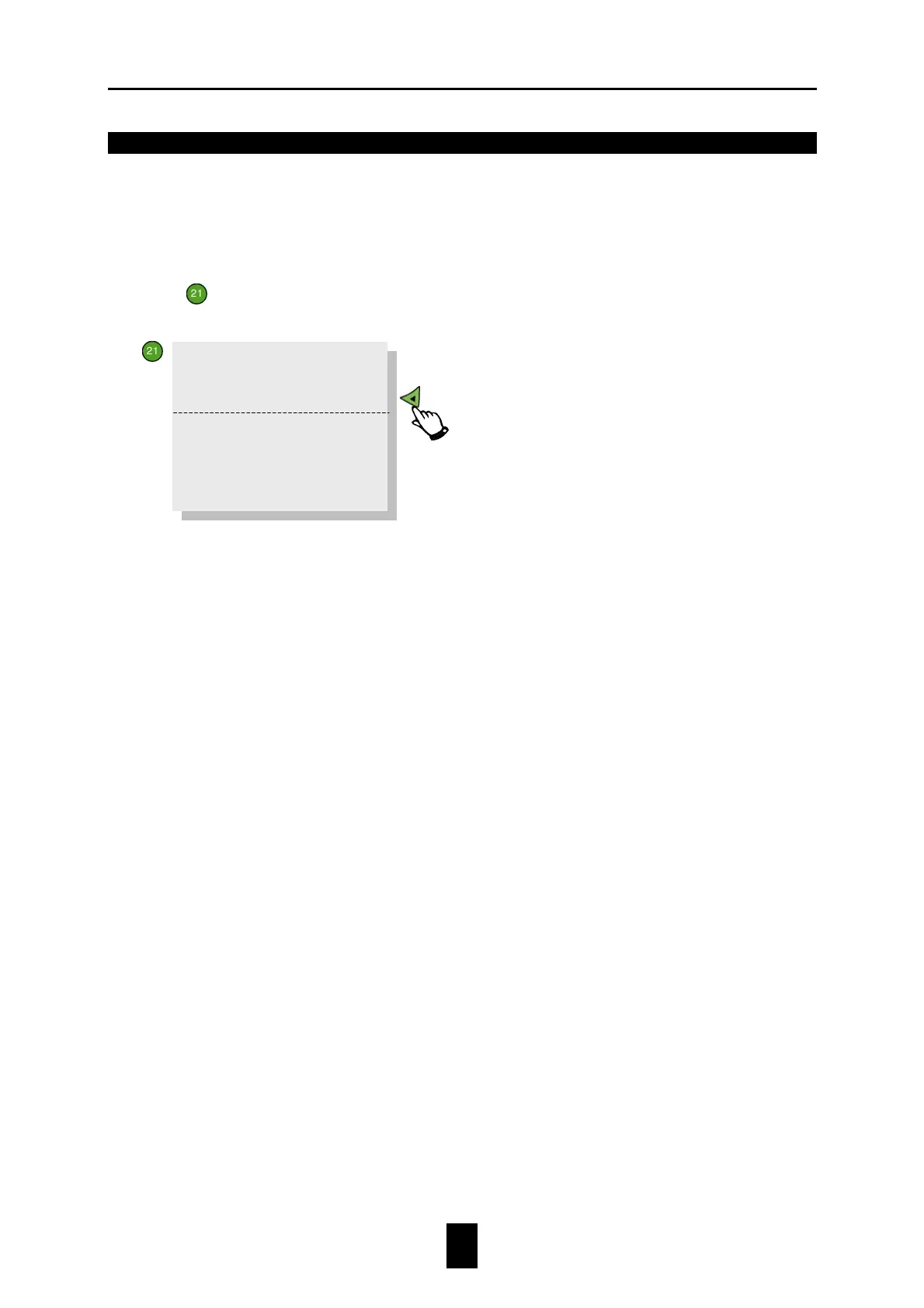
The following text will appear on the display:
3. Set
Agreed?
to YES. The computer will then automatically change YES into NO.
4. Enter the standard weight value (e.g. 10000g) at
Enter weight
.
5. Place the standard weight (minimum 5kg) in the weigher.
6. Set
Agreed?
to YES. A message indicating whether calibration was successful will appear on
the display.
Each time the weigher is empty an automatic tare will take place. Dosing in will be started
using the exact "zero weight". This correction can be set to 0 here.
Zero setting:
Weight 0.000
>>
Enter weight: 0.000
Weight 0.000
>>
Init. tare? NO


 To Next Page