Fancom 743 5. Function keys
12
5.3 Preparation per day
EIGHT FEED CURVES AND EIGHT BLEND OPTIONS
EIGHT FEED CURVES AND EIGHT BLEND OPTIONS EIGHT FEED CURVES AND EIGHT BLEND OPTIONS
EIGHT FEED CURVES AND EIGHT BLEND OPTIONS
In the feed curve tables 10 bending points have been entered for the amounts to be fed. The
composition of the blends to be dosed has been entered at blend progress (see sections 5.10 and
5.11).
Per animal
The amount of feed per animal. If the feed curve table has been filled in and
the
Blend day
is a number other than 0, the computer will automatically
calculate this amount from the current feed curve. In other cases enter the
amount per animal here. The computer will then automatically calculate the
total amount of feed to be dosed (
Feed amount
). If a feed curve is used, the
daily amount can be corrected here if necessary. This correction value can be
read out at
Offs. curve.am.
This setting is only important with
Dose
and
Distribute.
Feed amount
The total amount of feed to be prepared for this day. The computer will
automatically calculate this amount from the entered amount per animal. This
amount can also be entered and the computer will automatically calculate the
amount per animal.
This setting is only important with
Dose
and
Distribute.
Blend day
If feed curves are not used a 0 will appear here.
In other cases the number of weeks and days elapsed will be shown between
brackets, followed by the total number of days.
The computer uses this value to locate the position in the feed curve and to
determine the current feed amount.
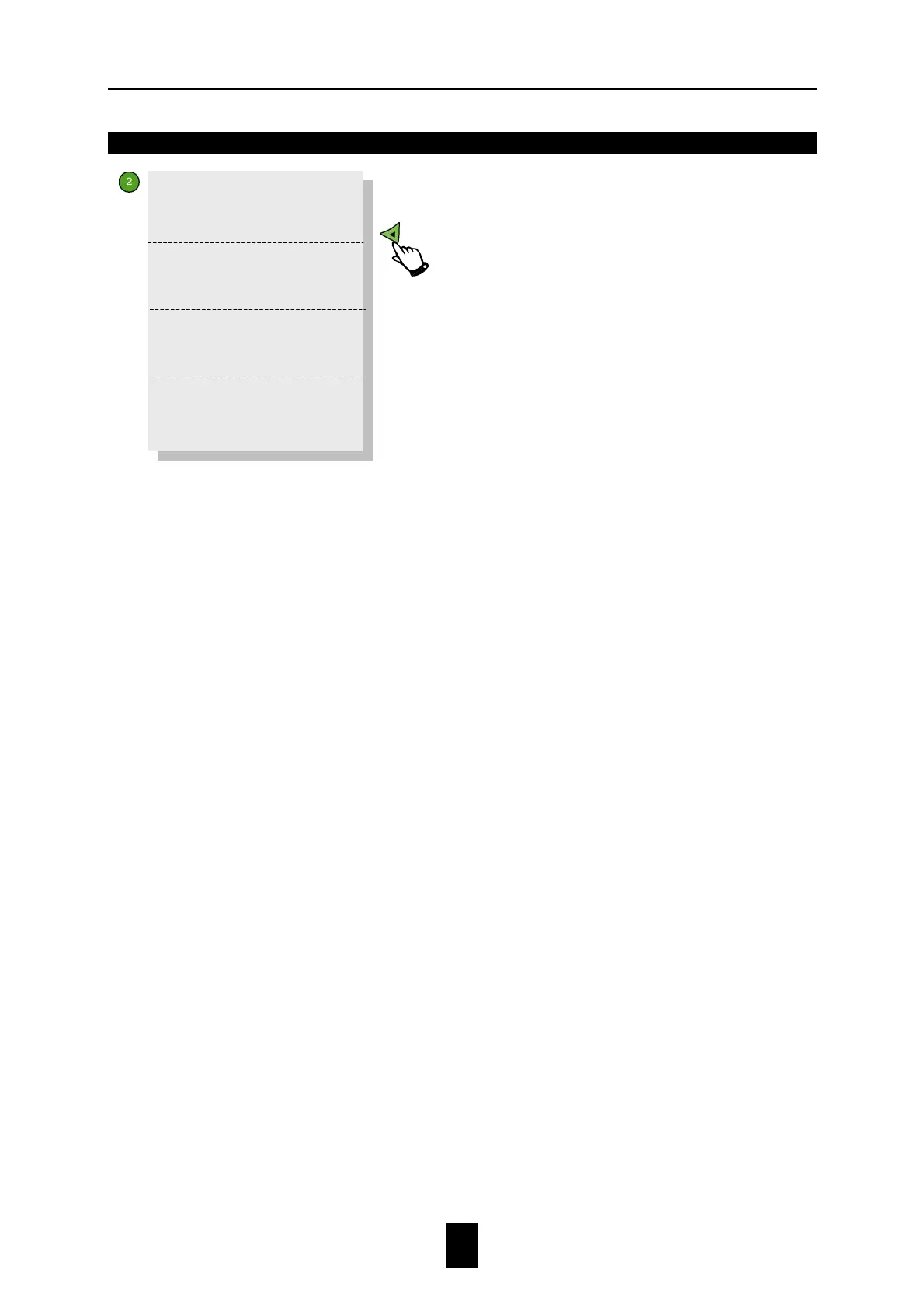
>>Day dose 1
Per animal 0.000
Feed amount 0
Blend day (00.0) 0
>>Day dose 1
Offs.curve am. 0.000
>>
>>Day dose 1
0.000 per 0
Day total 0.000
>>Day dose 1
Copy to all
storage silos?


 To Next Page