Fancom 743 4. Operation
6
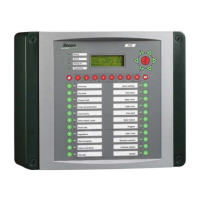
4.2 Display (A)
The front of the 743 computer has an illuminated display consisting of 4 lines, each with 20
positions.
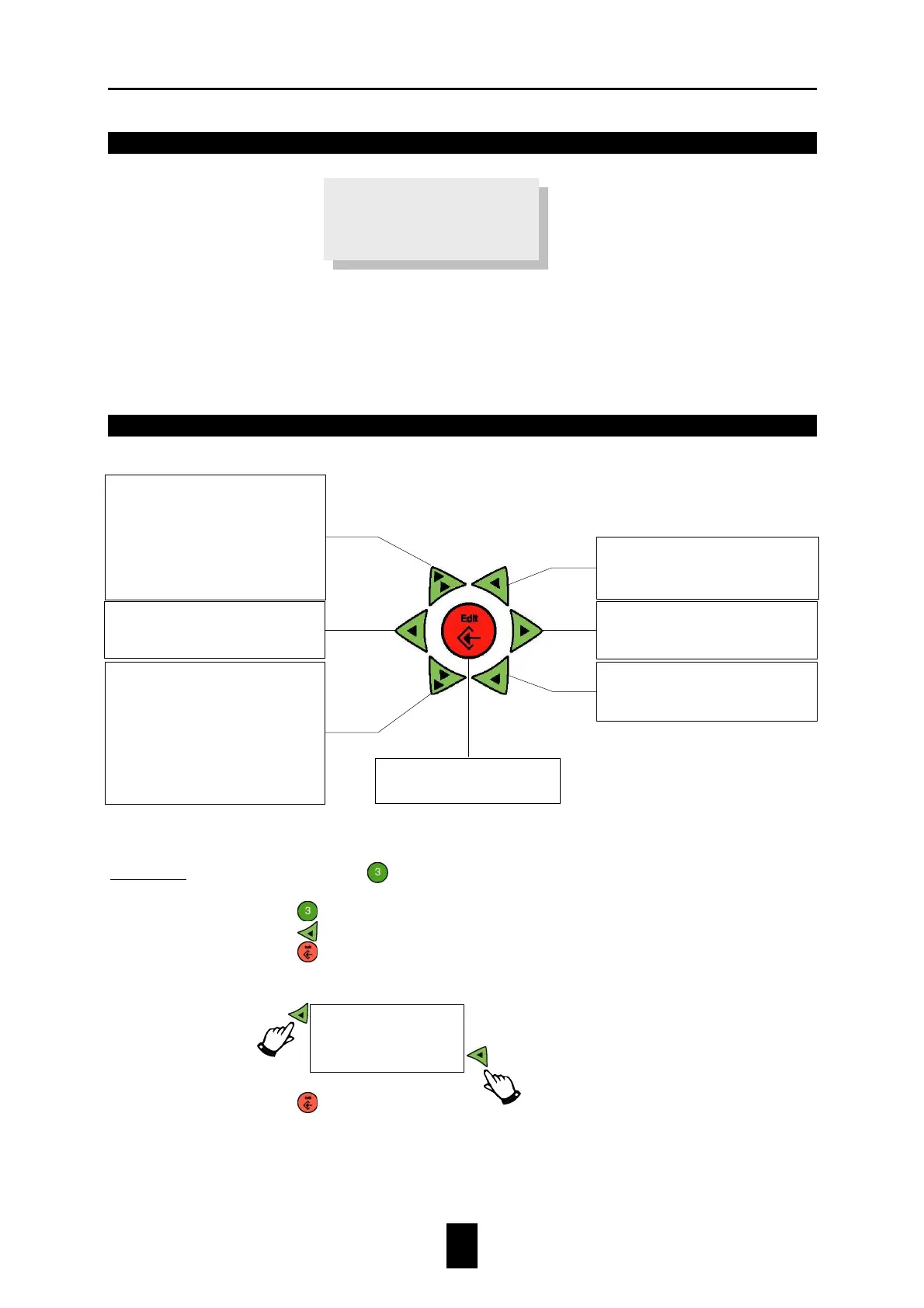
4.3 Keyboard (B)
Example 1: Change the setting
Prepare feed Status
into
SKIP.
1. Press
Prepare feed
.
2. Press
2×.
3. Press
.
4. Select SKIP from the table.
5. Press
.
Prepare_1 1
START at 10:00
Blend FEED+WHEAT
•
value ×10.
•
During text changes select
the next group of characters.
• Increase index.
• Feed history: TODAY
YESTERDAY.
•
During changes cursor to the
left
• Return to previous menu.
•
value ×1.
• To previous line.
• Dur
ing changes cursor to the
right.
• Open sub menu.
•
value ×1.
• To next line.
•
value ×10.
•
During text changes select
characters.
• Decrease index.
•
TODAY.
Changes:
start and confirm
SKIP
BLOCKED
FREE


 To Next Page