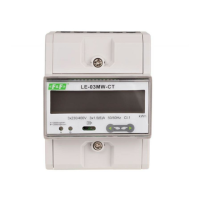
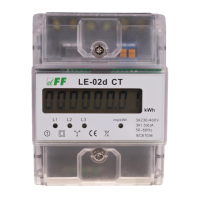
LE-03MB - User manual
12
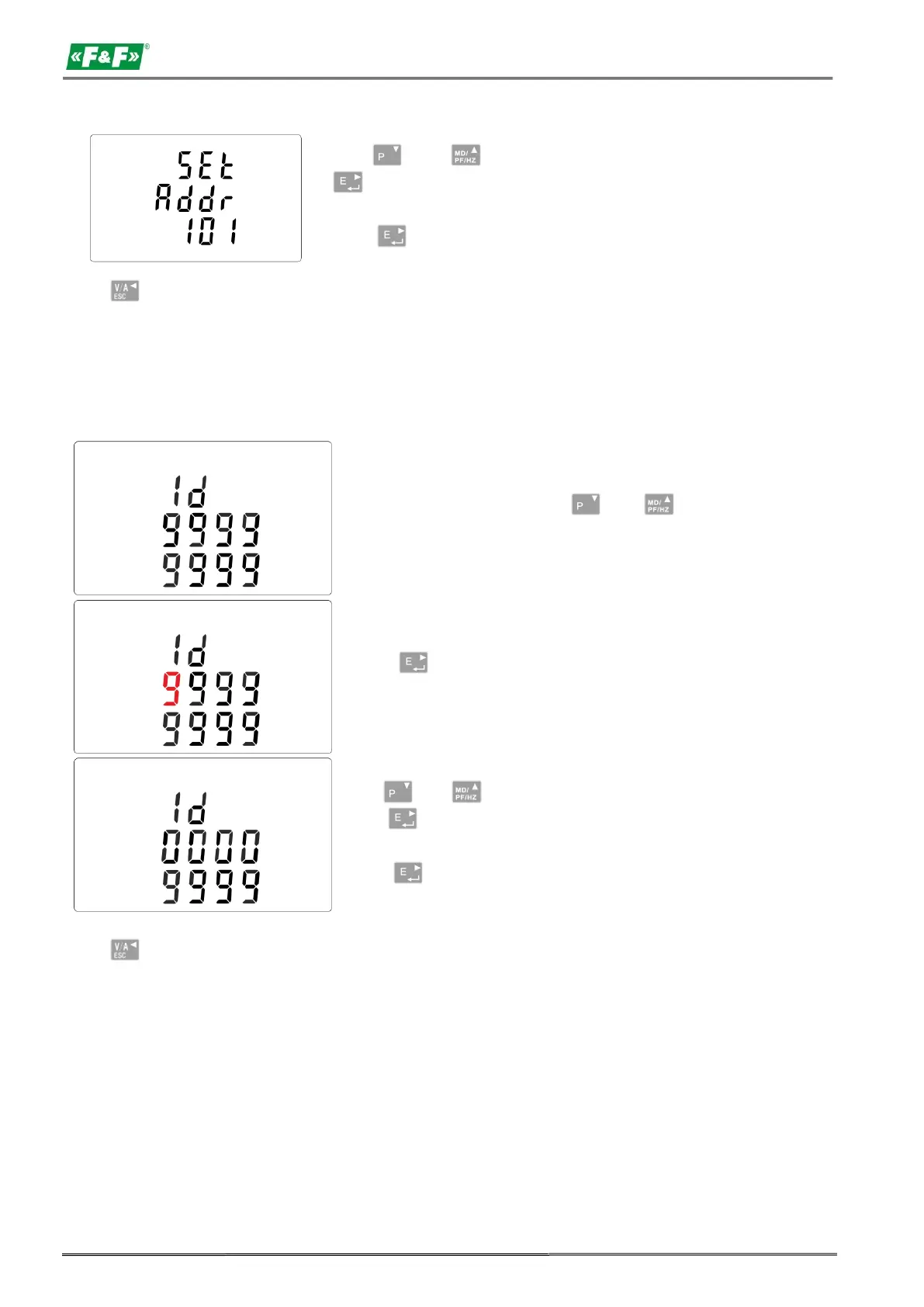
Use and to change digits and
to change position, to choose Modbus
address (001 to 250).
Press button, to confirm the selection.
Press , button to return the main set up menu.
Extended address (Range 0 to 99999999).
ATTENTION!
This setting is located in the menu before the CLR feature setting.
From the setup menu, use and
buttons to select extended address option.
Press buton to enter the selection
routine. The current setting will be flashing.
Use and buttons to change digits
and to change position, to choose
Modbus address (00000000 to 99999999).
Press button to confirm the selection.
Press , button to return the main set up menu.


 To Next Page