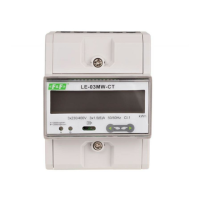
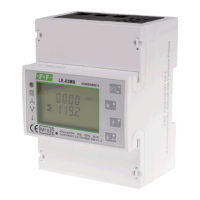
LE-03MB - User manual
14
Use and buttons to choose
parity: EVEN / ODD / NONE (default).
Press buton to confirm selection.
Press buton to return to the main set up menu.
5.2.2.4. Stop bits
From the set up menu, use and
buttons to select the stop bit option.
Press to enter the selection routine.
The current setting will flash.
Use and buttons to choose stop
bits: 2 or 1.
NOTE: Default value is 1. Only in case parity
set up NONE, to change stop bits to 2.
Press to confirm the selection.
Press to return to the main set up menu.


 To Next Page