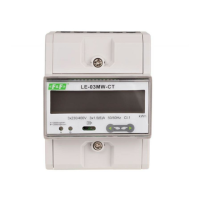
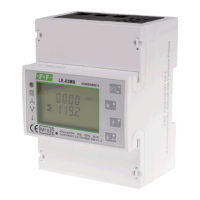
LE-03MB - User manual
11
5.2. Setup parameters
5.2.1. Entry into configuration menu
To enter setup mode, pressing the button for 2 seconds, until the password screen appears.
Setting up is password-protected so you must
enter the correct password (default "1000")
before processing.
Press the button for 2 seconds.
If an incorrect password is entered, the display
will show:
PASS Err
To exit setting-up mode, press repeatedly until the measurement screen is restored.
5.2.2. M-Bus communication
Setting the communication port parameters.
5.2.2.1. (Slave ID) Address
(Range 1 to 250)
From the set up menu, use
and , buttons to select the address
ID.
Press , button to enter the selection
routine. The current setting will be flashing.


 To Next Page