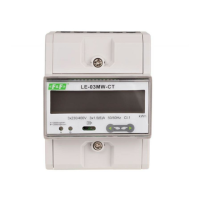
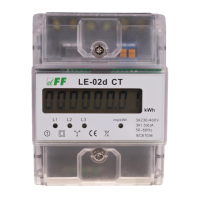
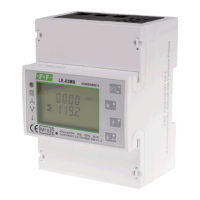
LE-03MB - User manual
16
Press to enter the selection routine.
The current setting will flash.
Use and buttons to select value:
0.01 /0.1 /1 /10 /100 per 1 pulse.
Press to confirm selection.
Press to return to the main set up menu.
5.2.3.3. Pulse duration
Option of setting pulse length for output. Values: 200, 100 lub 60 ms.
From the setup menu, use and
buttons to select the pulse width option.
Press to enter the selection routine.
The current setting will flash.
Use and buttons to choose value:
200, 100 or 60 ms.
Press to confirm the selection.
Press to return to the main setup menu.
5.2.4. DIT - Demand Integration Time
The options are: 5, 10, 15, 30, 60 minutes.
From the setup menu, use and
buttons, to select the DIT option.
The screen will show the currently
selected integration time.


 To Next Page