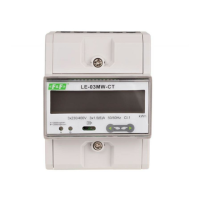
LE-03MB - User manual
6
Information about software version.
The interface performs a self-test and
indicates the result if the test passes.
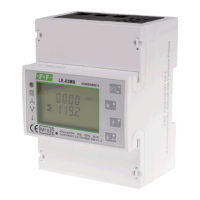
4. Operator panel
Buttons features:
Select the voltage and current display
screens. In set up mode, this is the "Left" or
"Back" button.
Select the frequency and power factor
display screens. In set up mode, this is the
"Up" button.
Select the power display screens. In set up
mode, this is the "Down" button.
Select the energy display screens. In set up
mode, this is the "Enter" or "Right" button.


 To Next Page