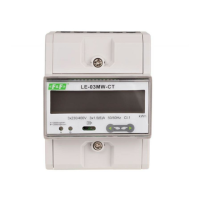
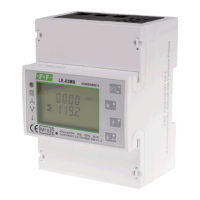
LE-03MB - User manual
17
Press to enter the selection routine.
The current time interval will flash.
Use and buttons to select the
time required.
Press to confirm selection.
SET indicator will appear.
Press to exit the DIT selection routine and return to the menu.
5.2.5. Backlit setup
The meter allows you to set the time of the backlight.
Time: 0 / 5 / 10 / 30 / 60 / 120 minutes.
Value 0 means that the backlight is always on.
Default lasting time is 60 minutes.
if it's setted as 5, the backlit will be
off in 5 minutes from the last time
operation on the meter.
Use and buttons to select
the time.
Press to confirm the selection.


 To Next Page