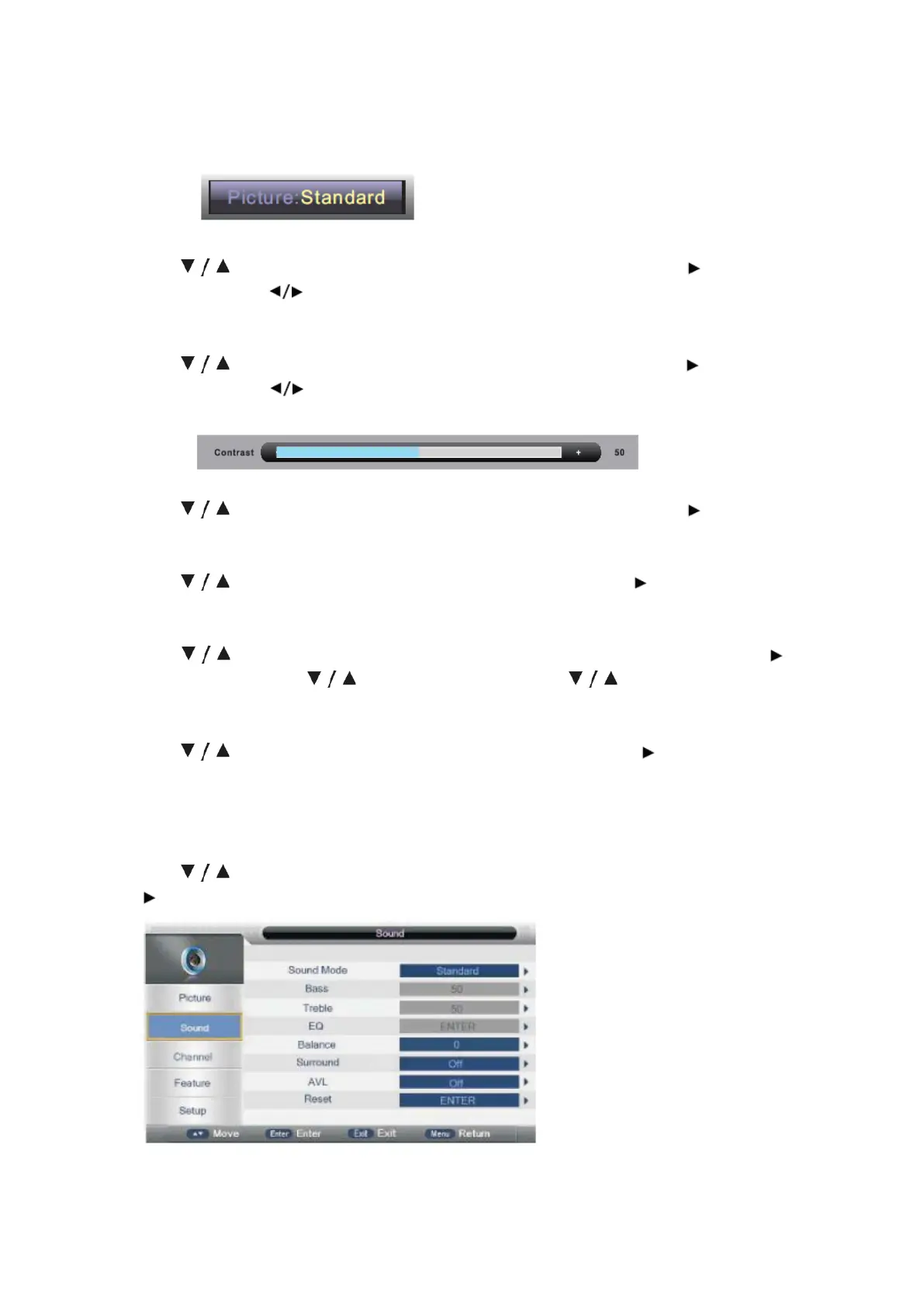
TIPS: You can press P-MODE button on the remote control again and again to change
the Picture Mode directly.
Brightness
Press button to select Brightness, then press ENTER button or button to
enter and press button to adjust. then press MENU button to return back the
previous menu directly.
Contrast
Press button to select Contrast, then press ENTER button or button to
enter and press button to adjust then press MENU button to return back the
previous menu directly.
Sharpness
Press button to select Sharpness, then press ENTER button or button to
adjust. then press MENU button to return back the previous menu directly.
Color
Press button to select Color, then press ENTER button or button to adjust.
then press MENU button to return back the previous menu directly.
Noise Reduction
Press button to select Noise Reduction, then press ENTER button or
button to enter and button to enter and press button to select Off,
Low, Middle, or High.
Reset
Press button to select Reset then press ENTER button or button to enter
the confirm menu, then choose OK to reset the value.
SOUND MENU
Press MENU button to display the main menu.
Press button to select Sound in the main menu, then press ENTER button or
button to ente r.
- 17 -



 To Next Page