FANTEC TV-LHD
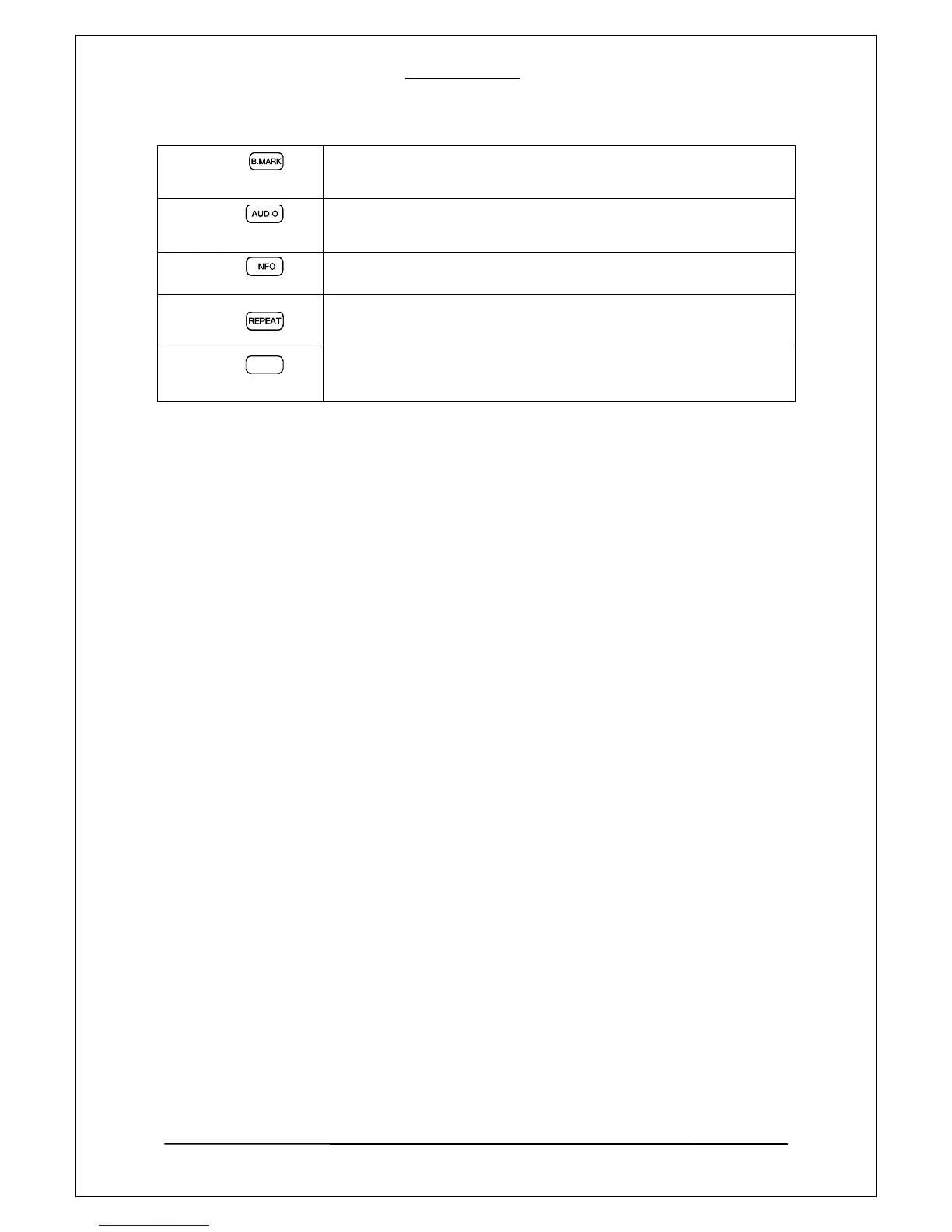
B. Mark
Supports two types: stopped points and bookmarked points (up to 9 in
order).
Audio
Selects a specific audio source when multiple audio sources exist in a
movie file.
INFO
Displays the information of a played file.
Repeat
Click once, it would repeat one track, click twice, it would loop all files i
n the same folder, click 3 times, repeat function is turned off.
SUB-T
Selects a specific subtitle file in playback mode, if supported subtitles ar
e available.
23
SUB-T



 To Next Page