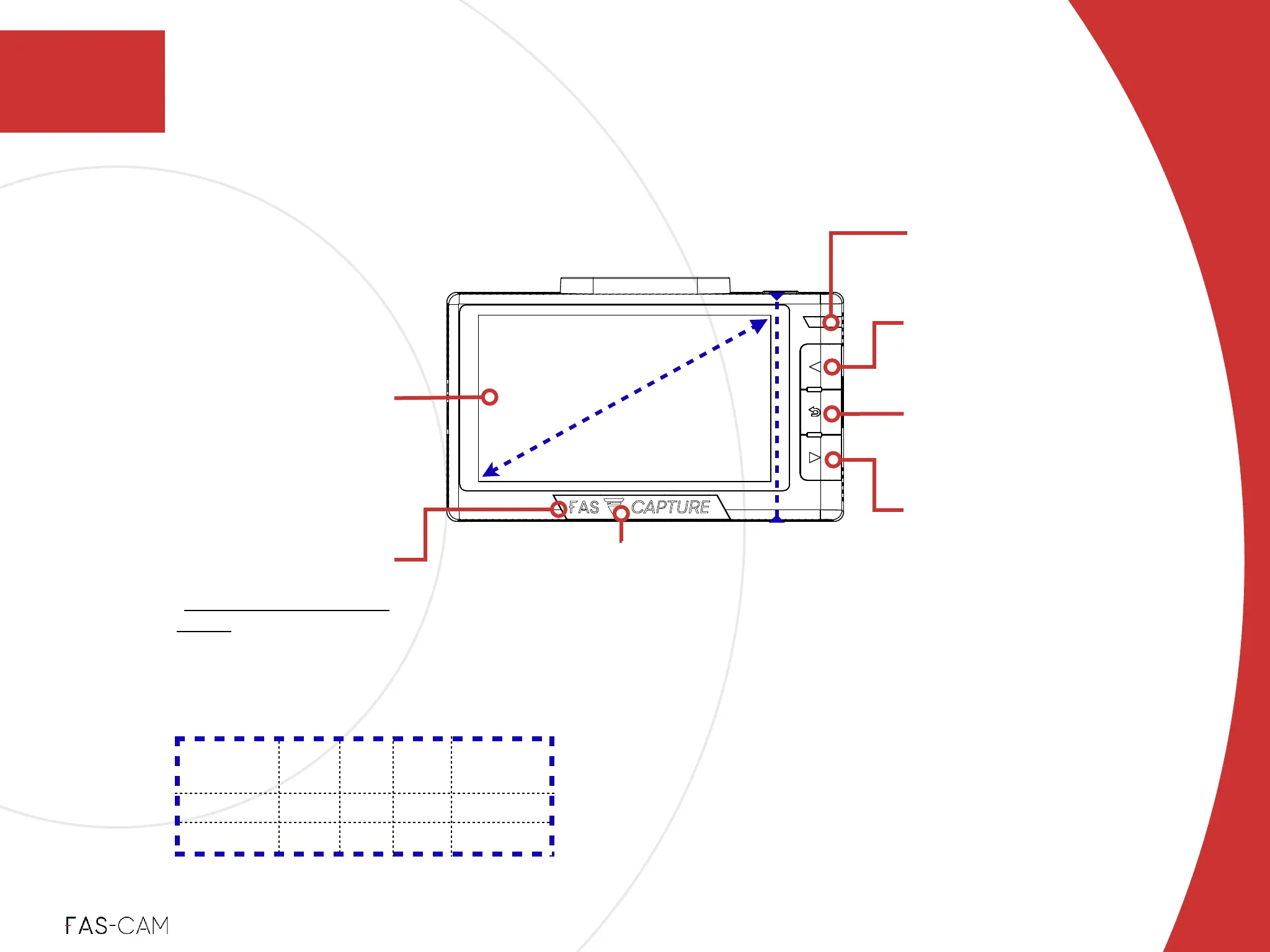
Directional Menu Selector /
Full View Selector
Selection options in Menu options !
Switch between full front / rear view
Display Screen
Show text and graphic
images
Return Button!
Press to exit current selection
in menu options
Power Indicator
Indicates the power
connection status
FAS-CAPTURE Button!
Unique FAS CAPTURE /
FAS MODE for recording
in emergency / urgent
scenarios. See Chapter
“5: FAS-CAPTURE / FAS-
MODE” for more details
Direction Menu Selector /
Split View Selector
Selection options in Menu options
Switch between split views
Recording Indicator
Indicates the recording status and
mode!
White - Regular Loop Recording!
Red - Recording in Protected Mode
LCD Display!
76.20-mm (3-inch)
3
Product Overview
3.2 Part Names
‣
3.2.2 F701-DR Front Camera Rear View and Dimension
3: Product Overview



 To Next Page