‣
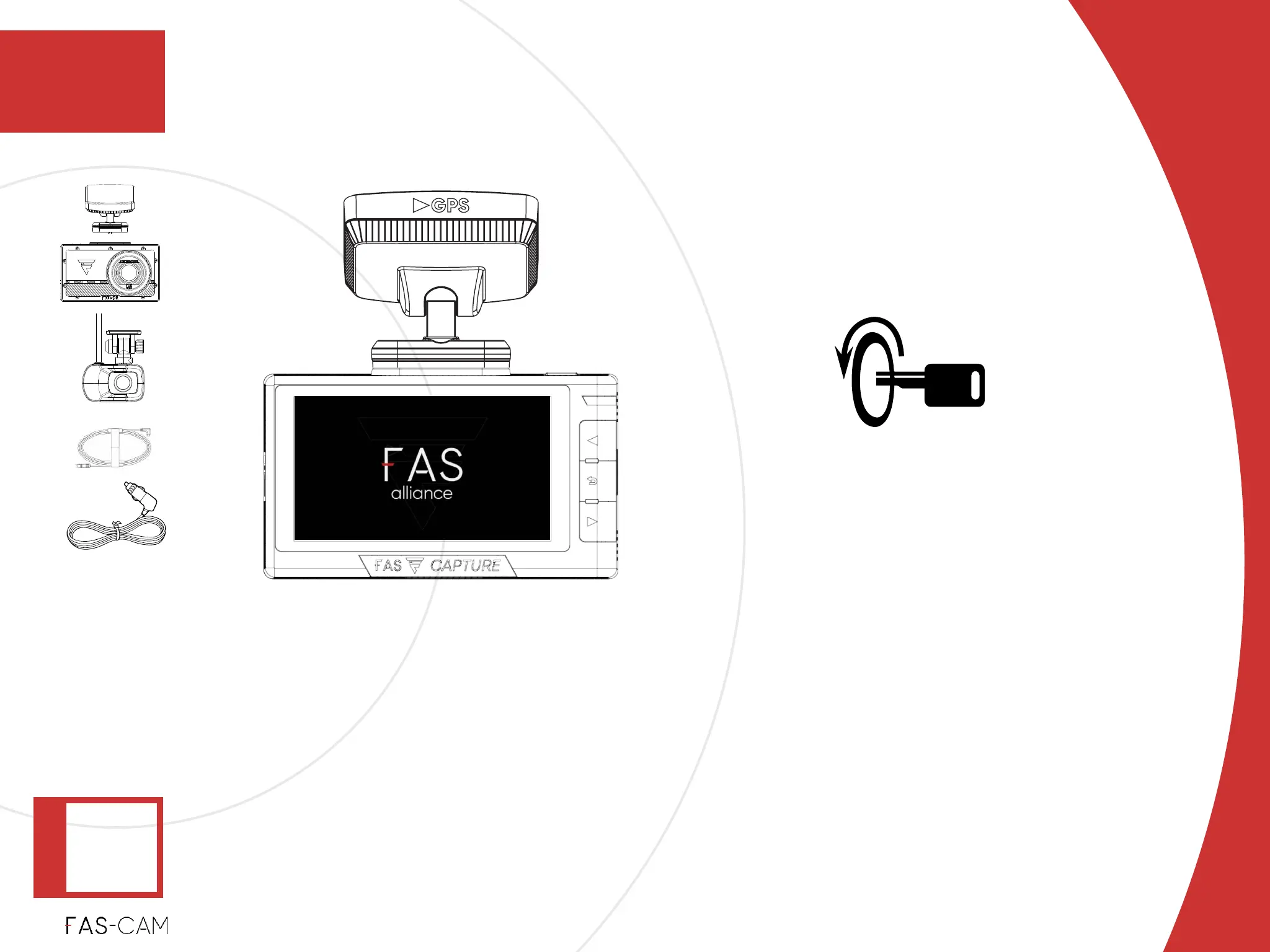
Power off the front camera by turning off the vehicle.!
‣
Disconnect the power cable.!
‣
Disconnect the rear camera cable from both the rear camera and front camera.!
‣
Keep the mount attached to the front camera.
Power-off the vehicle ignition
4. Installation
Installation
4.1 F701-DR Front Camera Installation
4
‣
Power: OFF
‣
Recording:
OFF
‣
4.1.2 Unit Test



 To Next Page