‣
Power: ON
‣
Recording:
OFF
‣
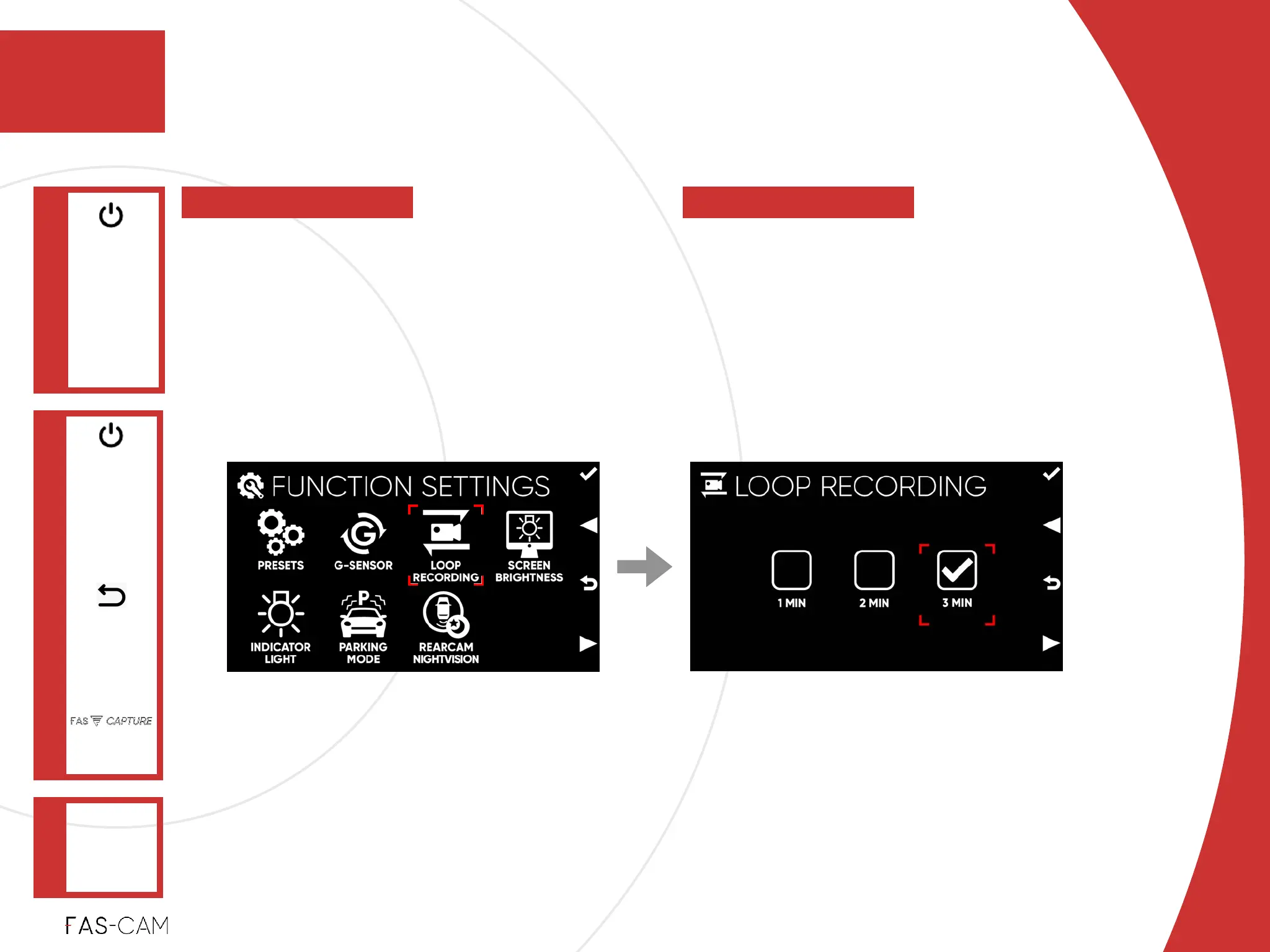
Select a preferred video clip time length
from “1 MIN”, “2 MIN”, and “3 MIN”.!
‣
Default Setting!
Depending on Preset Selection
To control video clip time length when the
file is saved or overwritten. Loop
Recording automatically overwrites the
oldest UNLOCKED file when your TF card
is full. Remove the hassle of manually
deleting unnecessary videos.
Settings
‣
7.1.3 Loop Recording
FUNCTION
SETTINGS
Main Menu
"▶
7
7. Settings
LOOP
RECORDING
"▶
7.1 Function Settings



 To Next Page