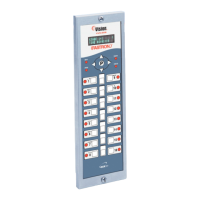
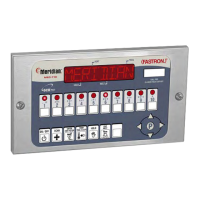
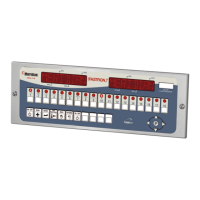
Process Controllers
FAST Lit. Part No. 229-51311 Rev. E (MANAGER) 24SEP2010 Page 10
2005-2010 Food Automation – Service Techniques, Inc. All Rights Reserved
This document contains confidential information. The dissemination, publication,
copying, or duplication of this document without prior written authorization is
strictly prohibited.
11 Program Global Filter
Lockout
GLOBAL FLTR CNT XX
(“0” to “99”)
• Type in the number of cooks allowed on
all keys before forcing Filtering by
pressing the appropriate numbered
product key(s). The range is 0 to 99,
where 0 means No Global Filtering.
• Press the “P” key to lock in your entry
OR
NO)
• Press the LEFT or RIGHT arrow keys
to select whether the Repair Function
will be active or not.
• Press the “P” key to lock in your entry
MM:SS
This option will only appear if the Repair
Function is enabled.
• Press the numbers to set Repair Fail
time in minutes/seconds. The range is 0
to 59:59 minutes.
• Press the “P” key to lock in your entry
Set Daylight Savings Mode
OR
(SPRING, FALL)
• Press the LEFT or RIGHT arrow keys
to select the appropriate Daylight
Savings choice.
• Press the “P” key to lock in your entry
(00 MINUTES,
15 MINUTES,
30 MINUTES,
45 MINUTES,
60 MINUTES)
•
Press the LEFT or RIGHT arrow keys
to select the SMS stagger time.
• Press the “P” key to lock in your entry
OR
NONE, 1-30
• Press the LEFT or RIGHT arrow keys
to select number of RQI Trackers.
• Press the “P” key to lock in your entry
OR
YES or NO
• Press the LEFT or RIGHT arrow keys
to change.
• Press the “P” key to lock in your
choice.



 To Next Page