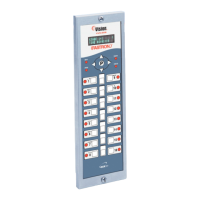
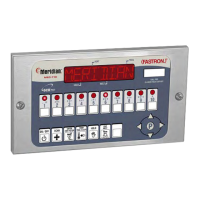
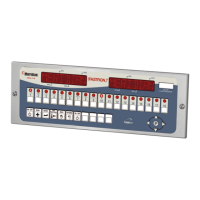
Process Controllers
FAST Lit. Part No. 229-51311 Rev. E (MANAGER) 24SEP2010 Page 9
2005-2010 Food Automation – Service Techniques, Inc. All Rights Reserved
This document contains confidential information. The dissemination, publication,
copying, or duplication of this document without prior written authorization is
strictly prohibited.
5 Set Tone Level
OR
TONE LEVEL
(None, 1, 2, 3, 4, 5)
• Press the LEFT or RIGHT arrow keys
to select a tone level. At each level the
controller will continuously sound the
selected tone.
• Press the “P” key to lock in your entry
F = FAHRENHEIT or
C = CELSIUS
• Press the LEFT or RIGHT arrow keys
to select the method that all
temperatures will be displayed in.
• Press the “P” key to lock in your entry
(NO, YES)
• Press the LEFT or RIGHT arrow keys
to activate Profile Timing to monitor
each individual stage of the cook time.
• Press the “P” key to lock in your entry
OR
recipes will be cleared!
(NO, YES)
• If a profile recipe exists in the current
recipe setting and the user selects NO in
the profile timing field, the user will be
prompted with this message. If the user
selects NO then no change will be
made. If the user selects YES then all
recipe settings for all products will be
cleared. (0 times, 270 set temps,
disabled features). Use the Left/Right
keys to make the selection.
HH:MM
• Press the numbered product keys to
select the time in HH:MM format for
activating Setback mode.
• Press the “P” key to lock in your entry
Temperature
XXX
• Press the numbered product keys to
select the Setback temperature in the
range of 200 to 375°F.
• Press the “P” key to lock in your entry
Time
OR
MM:SS
• Use the numeric keys to enter the
quantity prompt time in MM:SS format.
Range is 00:20 to 2:00.



 To Next Page