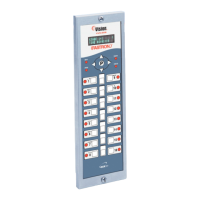
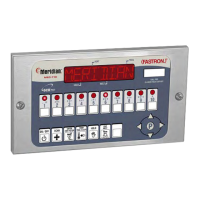
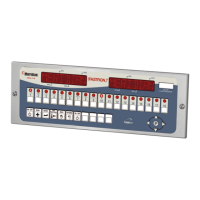
Process Controllers
FAST Lit. Part No. 229-51311 Rev. E (MANAGER) 24SEP2010 Page 11
2005-2010 Food Automation – Service Techniques, Inc. All Rights Reserved
This document contains confidential information. The dissemination, publication,
copying, or duplication of this document without prior written authorization is
strictly prohibited.
Display
OR
YES or NO
• Press the LEFT or RIGHT arrow keys
to change.
• Press the “P” key to lock in your
choice.
• Press the UP or DOWN arrow keys to
scroll to “Exit.”
• Press the “P” key
PRODUCT OR ALARM NAME LIBRARIES (6647)
OR
• To enter programming mode, press and
hold the "P" key for 3 seconds.
• Scroll Down to Programming.
• Press the “P” key to lock in your entry.
PROGRAMMING
****
• Enter pass code 6 6 4 7.
• Press the “P” key to lock in your entry.
OR
Or
ALARM LIB
• Scroll to “Prod Name Lib” or “Alarm
Lib”
• Press the “P” key to advance.
From this point, you can either MODIFY an Existing Name, or ADD a New Name.



 To Next Page