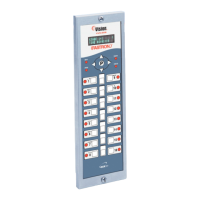
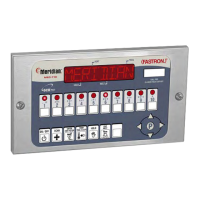
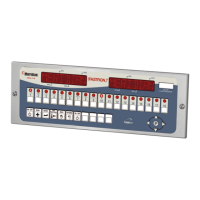
Process Controllers
FAST Lit. Part No. 229-51311 Rev. E (MANAGER) 24SEP2010 Page 13
2005-2010 Food Automation – Service Techniques, Inc. All Rights Reserved
This document contains confidential information. The dissemination, publication,
copying, or duplication of this document without prior written authorization is
strictly prohibited.
CLOCK/DATE PROGRAMMING (6647)
OR
• To enter programming mode, press and
hold the "P" key for 3 seconds.
• Scroll to Programming.
• Press the “P” key.
• The display will prompt user to enter a
pass code.
OR
****
•
• Press the “P” key to lock in your entry.
• Scroll to Clock/Date
• Press the “P” key to advance.
OR
HH:MM
CURRENT YEAR
“XXXX”
CURRENT MONTH
“XXXXXXXXX”
CURRENT DATE
“XX”
CURRENT DAY
“XXXXXXXX”
• Use the numbered product keys to set
the time of day. The range is from 00:00
to 23:59.
• Press the “P” key.
• Press the LEFT and RIGHT arrow keys
to set the Year.
• Press the “P” key.
• Press the LEFT and RIGHT arrow keys
to set the current Month.
• Press the “P” key.
• Press the LEFT and RIGHT arrow keys
to set the current Date.
• Press the “P” key.
• Press the LEFT and RIGHT arrow keys
to set the Day.
• Press the “P” key.



 To Next Page