17
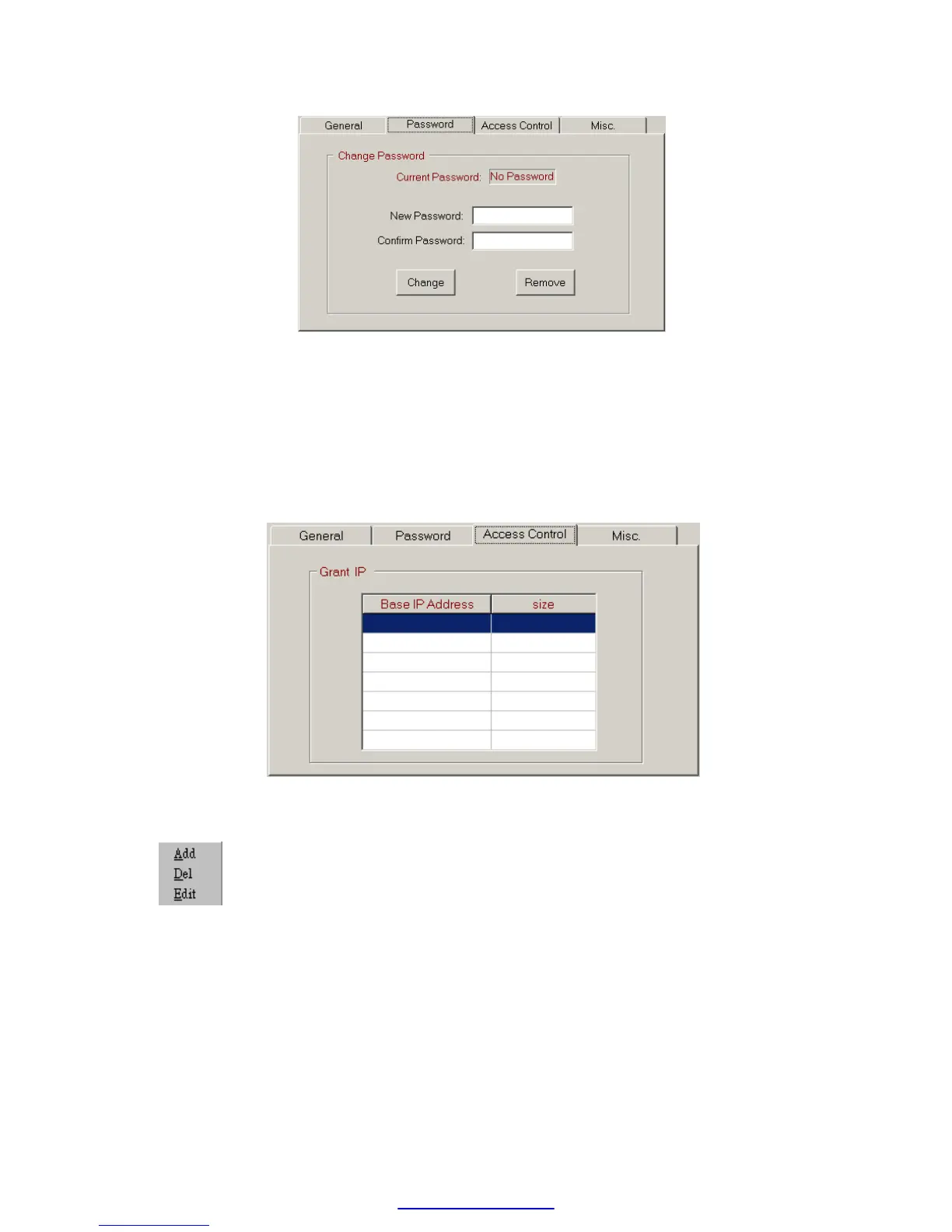
Please input the new password at ’New Password’ and ’Confirm Password’
edit field and click the ’Change’ button to complete the setting of new
password. Please click the ’Remove’ button if password protection is not
necessary.
The setting of access right- Use the setting of authorized IP to prevent
the illegal access of data. After click the ’Access Control’ tab, the screen
changes to
Move the cursor to the ‘Grant IP’ table and click the right mouse button
then the screen will appear a pop-up menu as shown below
Click ’Add’ to add one set of authorized IP. Click ’Del’ to delete a set of
authorized IP. Click ‘Edit’ to modify an existed authorized IP data. After
click the ’Add’ function the screen changes to



 To Next Page