18
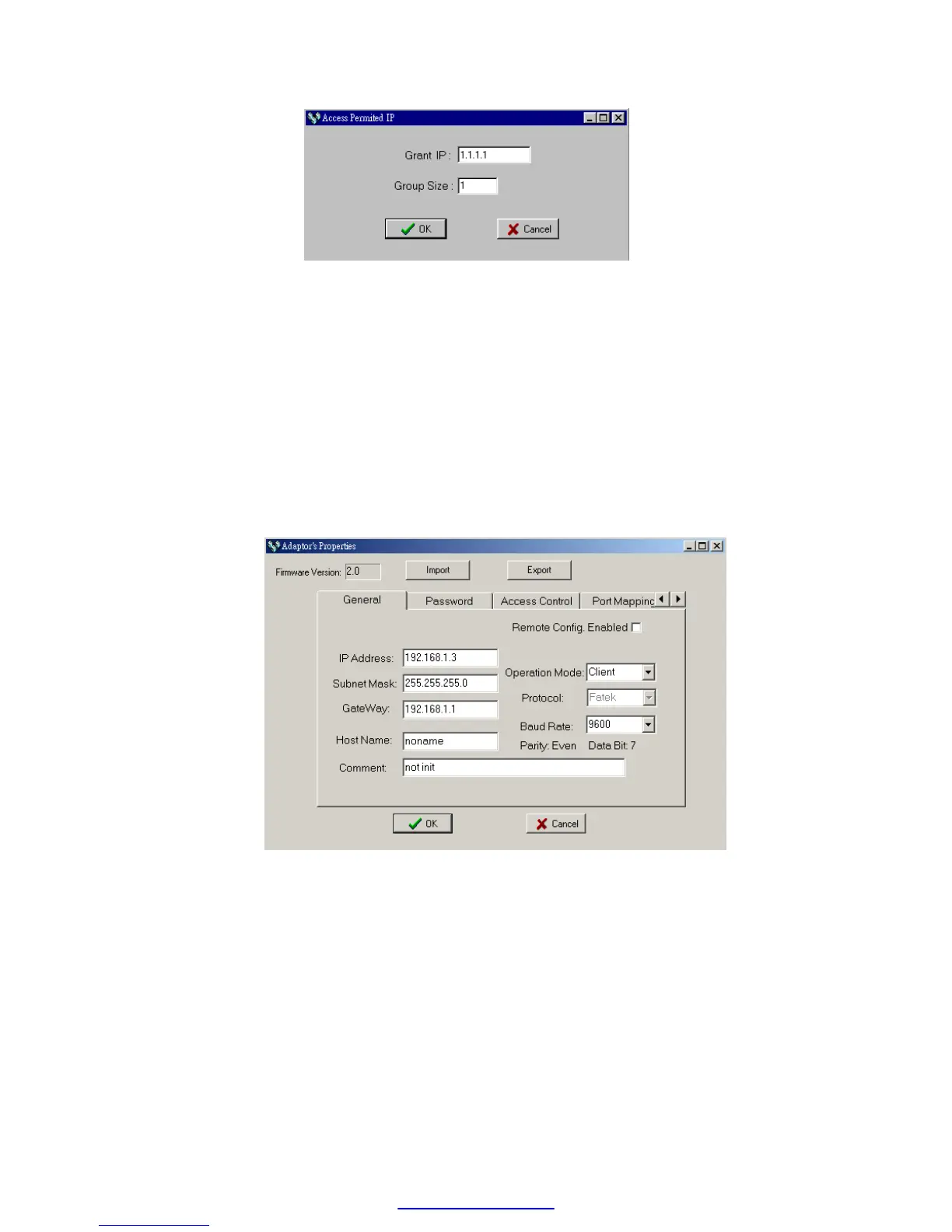
With this dialog to define a set of consecutive authorized IP addresses.
Please input the first IP address of the consecutive IP addresses in
the ’Grant IP’ field and input the size of IP addresses in ‘Group Size’
filed.
5.3.6 Station & IP mapping Setup
This setting can only need to perform when Ethernet module is work at
client mode. When the working mode is set to client mode the basic
configuration data page changes to
It has an additional ‘Port Mapping’ tab when compare with server mode,
after click the ‘Port Mapping’ tab the screen changes to



 To Next Page