20
module can provide at most 19 groups of station mapping.
5.3.7 Service Port Setup
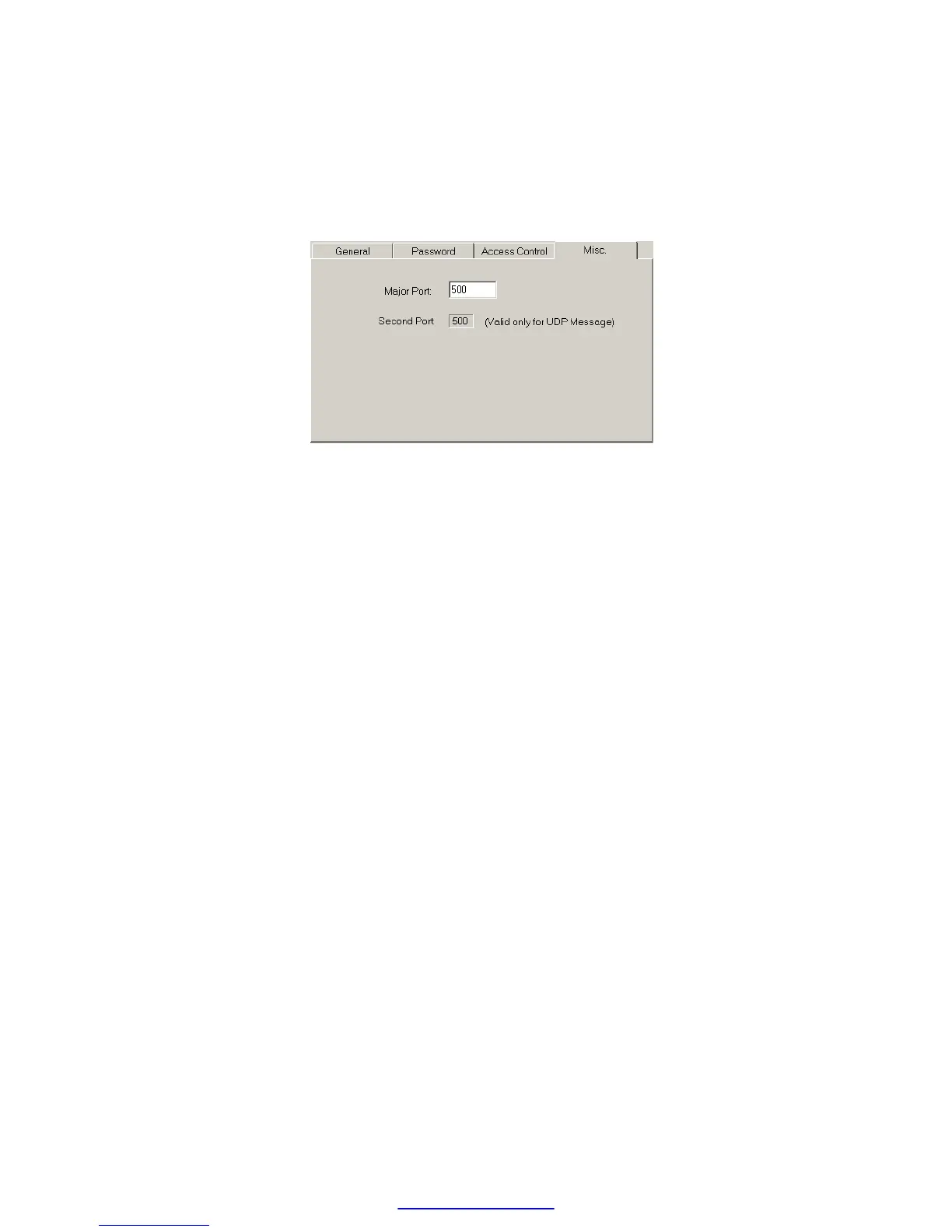
The Ethernet module when work either in TCP or UDP server mode should be
assigned a service port number for client access. The default port number for
FBs series Ethernet module is port 500. If the user want to change the port
number can click the ‘MISC’ tab and change the Major port field to desire port
number. Second port field provides the UDP working mode the opportunity to
have dual service port number, one is port 500 the other is port number appear
in Major port field.
5.3.8 Update Configuration
When finish the editing of configuration data, please click the ’OK’ button
of the “adaptor’s properties” window to update the Ethernet module. When
finish the update and without error, the screen will change to main window
and ready for configuration of another Ethernet module.
5.4 Procedures to change the configuration
Now summarize the procedures to change the network configuration at
below.
Step 1. Choose the connection method. If Local area network refer
section 5.3.2 . If Internet refer section 5.3.3 .
Step 2. Edit the basic network data, please refer section 5.3.4 .
Step 3. Setup the password (optional), please refer section 5.3.5 .
Step 4. Setup the authorized IP (optional), please refer section 5.3.5 .
Step 5. Setup the mapping of local and remote station and IP address
(Only client mode required), please refer section 5.3.6 .



 To Next Page